
To ensure your store presents a clear and professional visual appearance across the Reformia theme series (Reformia, Artevo, Neatwood), we have compiled recommended image sizes for each common image placement. Uploading images according to these guidelines can help prevent issues such as blurriness, stretching, or awkward cropping.
Note
1. It is not recommended to upload oversized images larger than 2560 px. For long images on product detail pages, keep the height within 2500 px to avoid slowing down page loading speed.
2. Please ensure all uploaded images are clear and avoid using blurry visuals.
3. Avoid using text that is too small on mobile devices; images should be optimized for mobile screens.
4. Minimize the use of GIFs and keep their duration short. It is recommended to use GIFs only in key promotional scenarios.
The image dimensions listed in this document are recommended sizes. You may also upload higher-resolution images; however, please try to maintain the same aspect ratio. It is also recommended to use JPG or PNG formats and keep image file sizes within a reasonable range to avoid affecting page loading speed. For more details, please refer to:
| Module Type Examples | Original Image Size |
| Website logo / icon | 20-80 KB |
| Carousel images / banners | 200-500 KB |
| Product images | 100-300 KB |
| Product description images | 80-200 KB |
Reformia Theme Style Image Size Recommendations
1. Header / Footer
| Module | Image Display | Recommended Size | Notes |
| Quick Access Group |  | 30 x 30 px | Small icons used for top quick access shortcuts. |
| Mixed Menu | 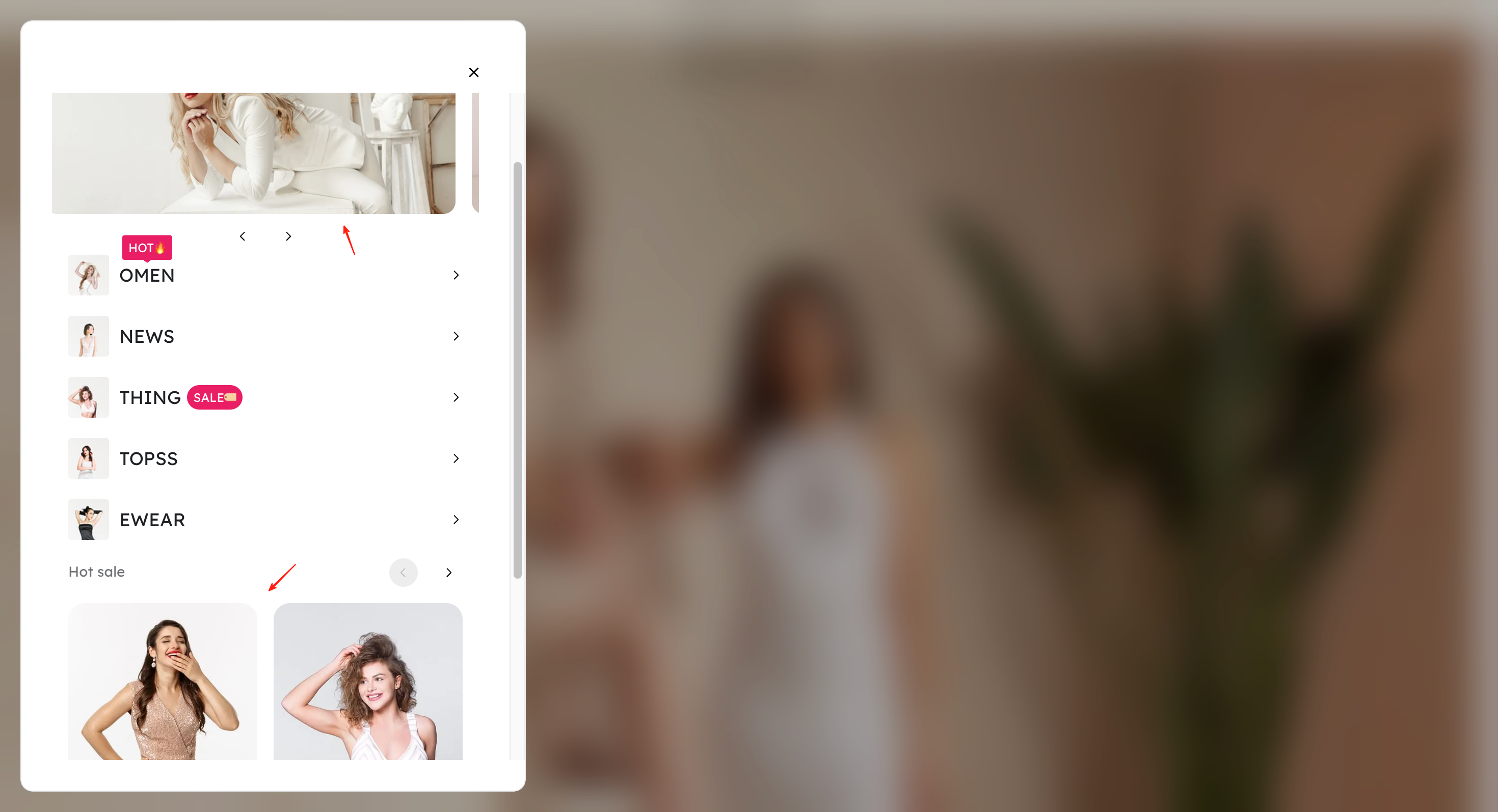 | 468 x 218 px | |
Image and Text Menu
| 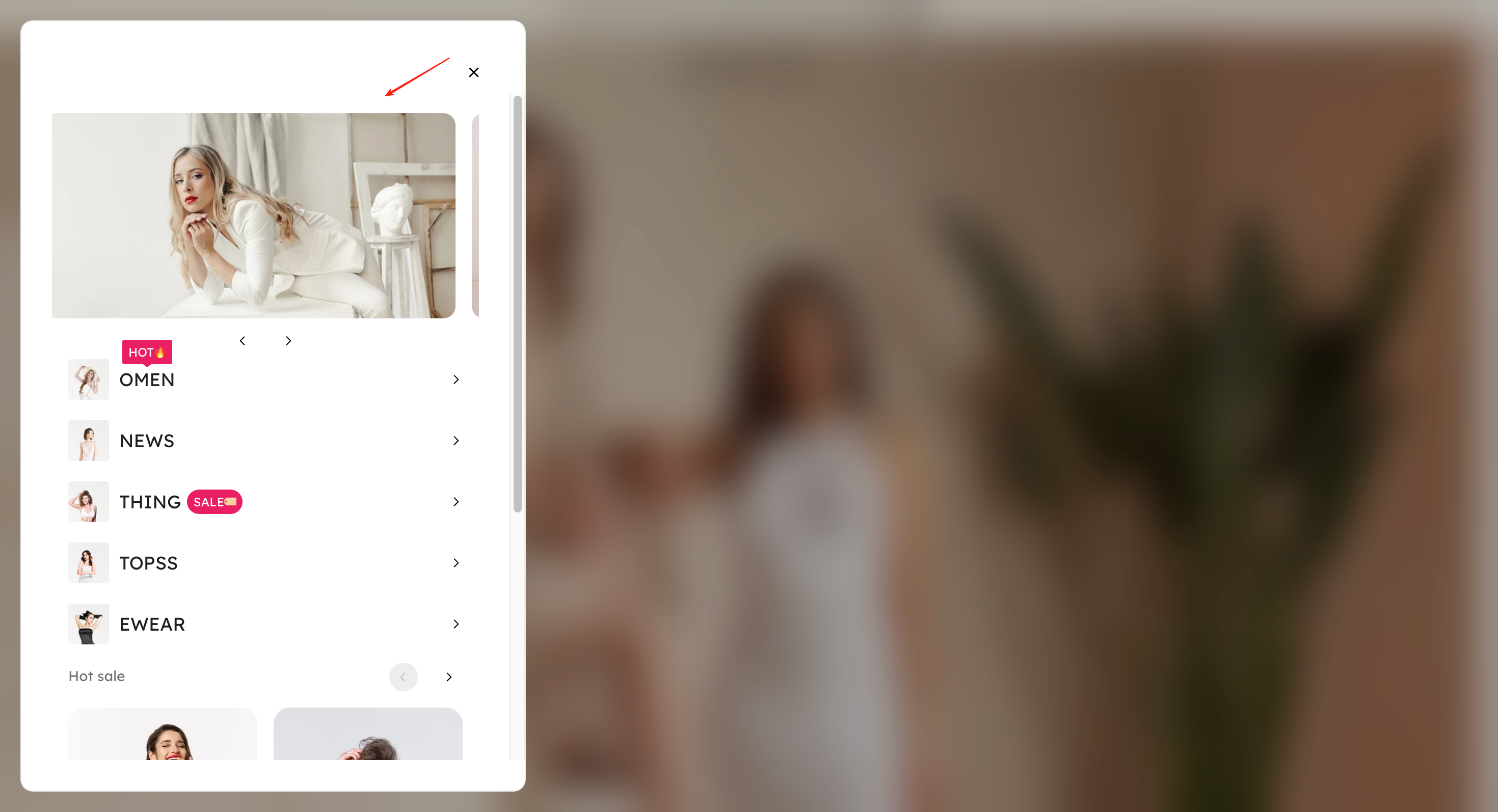 | 210 x 262 px | Horizontal large image, suitable for category display images. |
Album Menu | 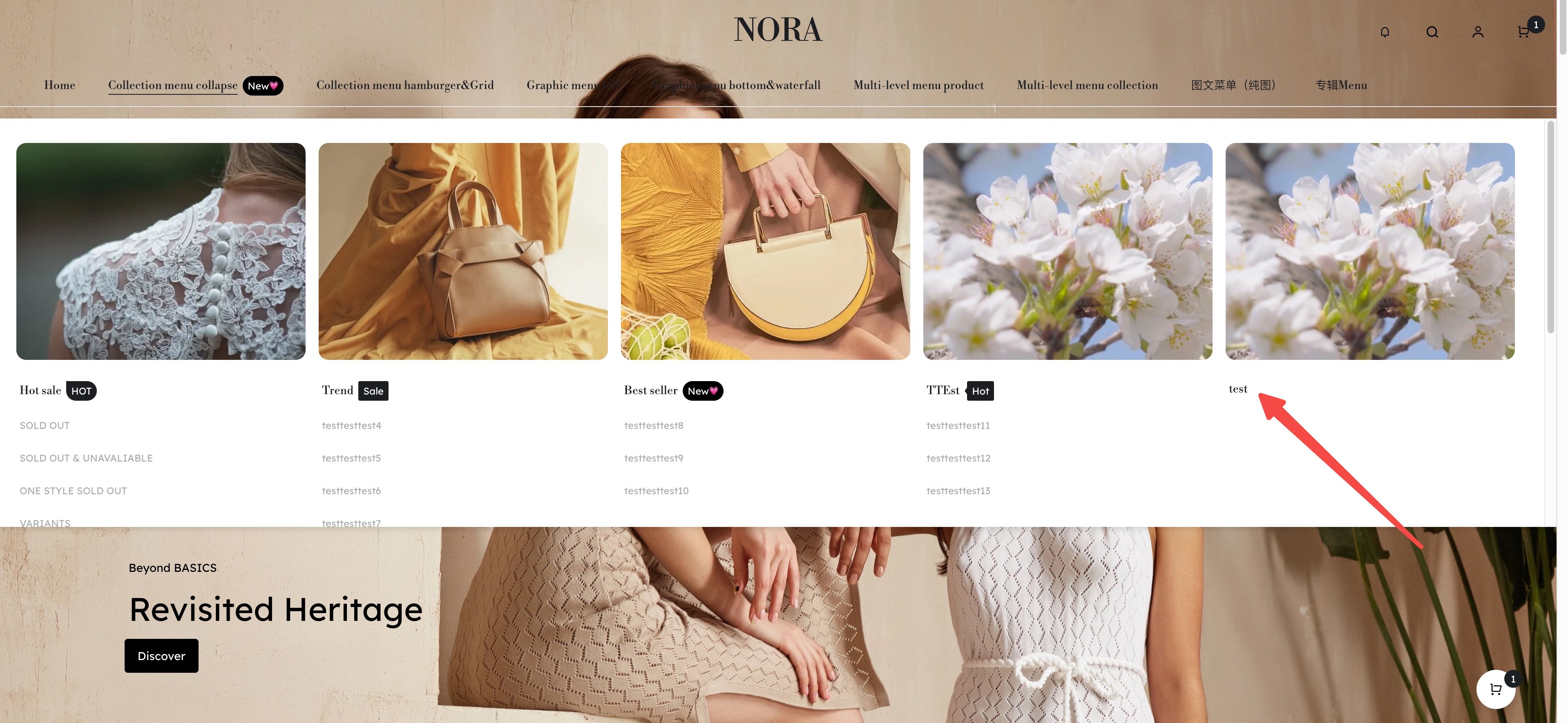 | 210 x 262 px | Vertical images; consistent proportions provide a more visually appealing layout. |
2. Homepage
| Module | Image Display | Recommended Size | Notes |
| logo | 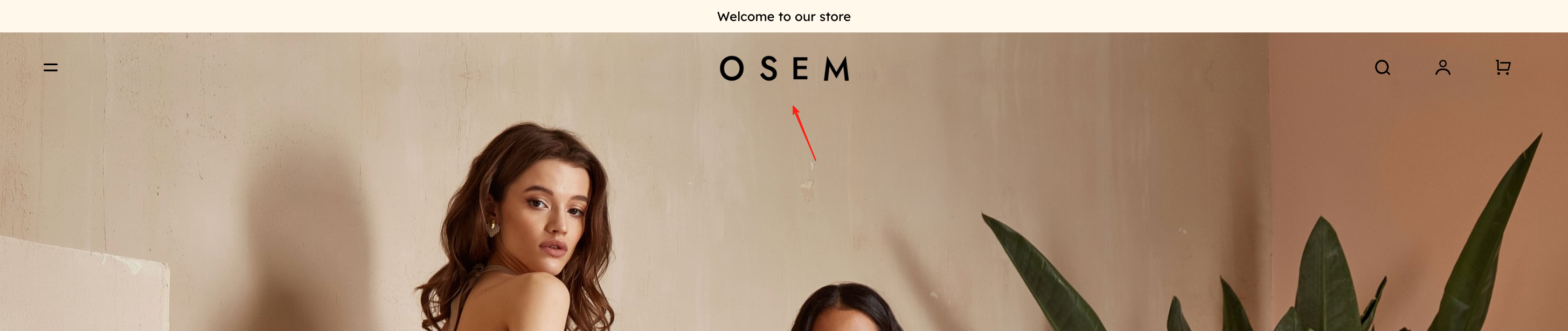 | PC:120 px M:60 px | Clear and recognizable; a transparent background is preferred. |
Slideshow / Video
| 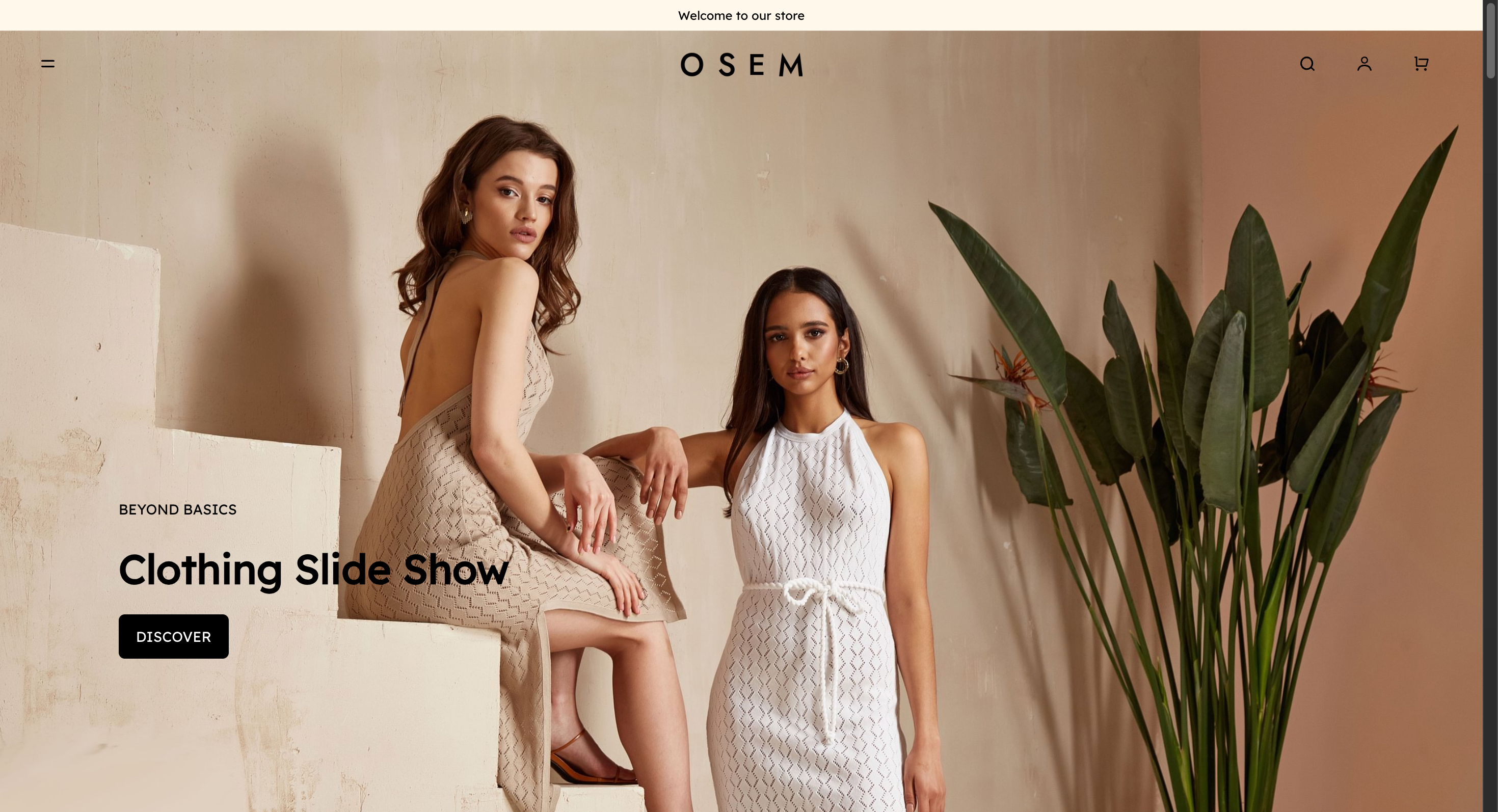 | PC:1920 x 740 px M:390 x 580 px | Keep important text centered (to avoid being cropped).
|
Album Cover
| 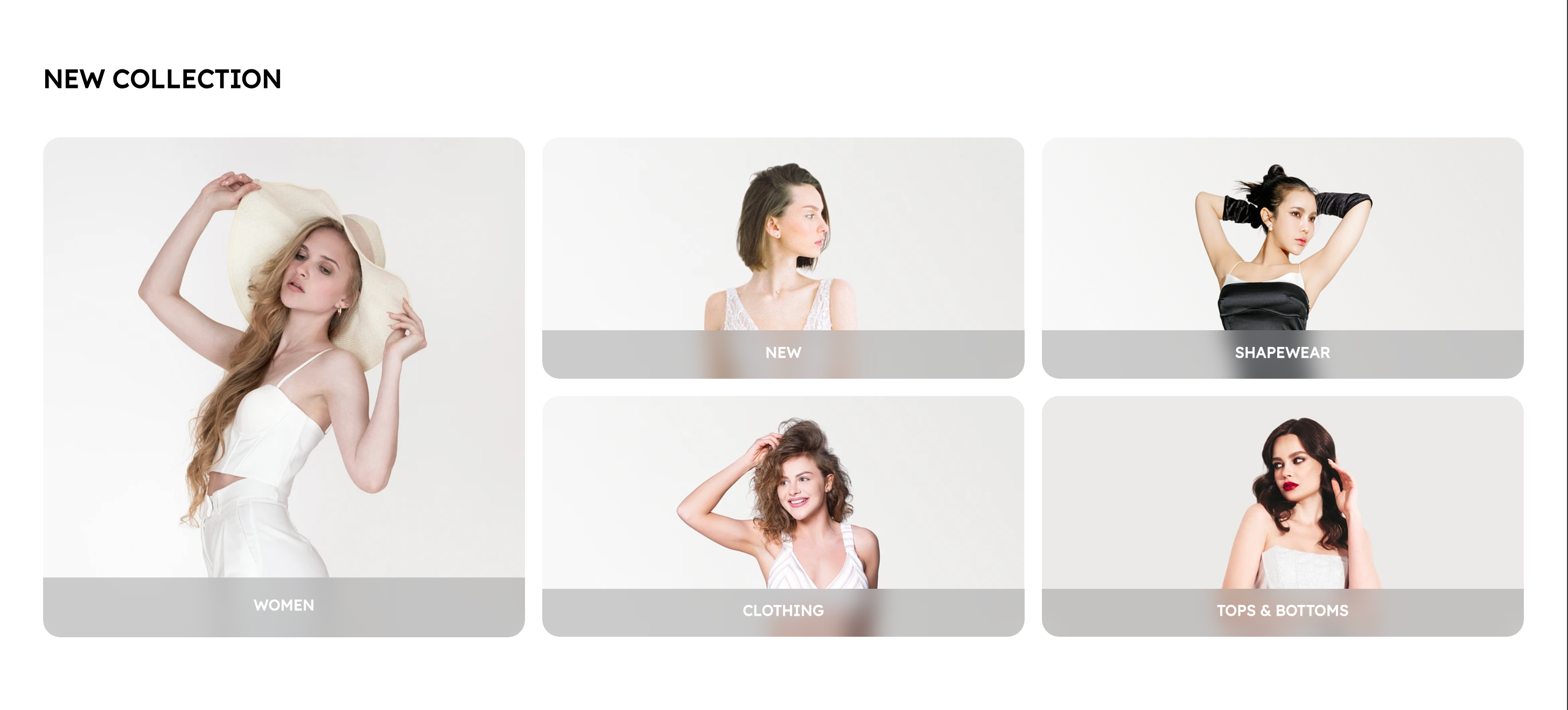 | One PC large image: 436 × 452 px Four PC small images: 436 × 218 px
| |
| Product Images | 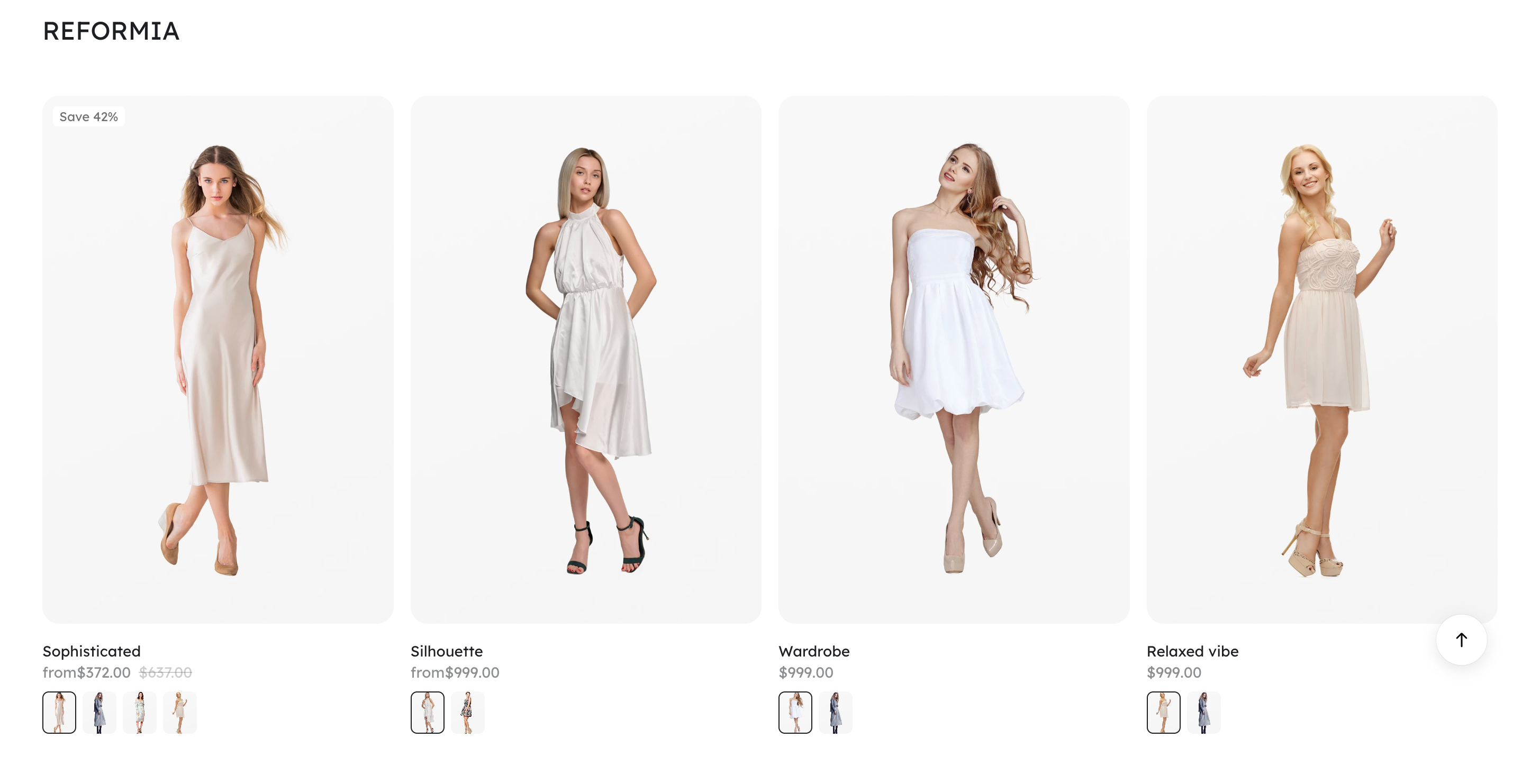 | 323 x 486 px |
If displaying fewer products in a single row, you can upload images up to a maximum size of 662 × 996 px. |
| Recommended Image & Text Album | 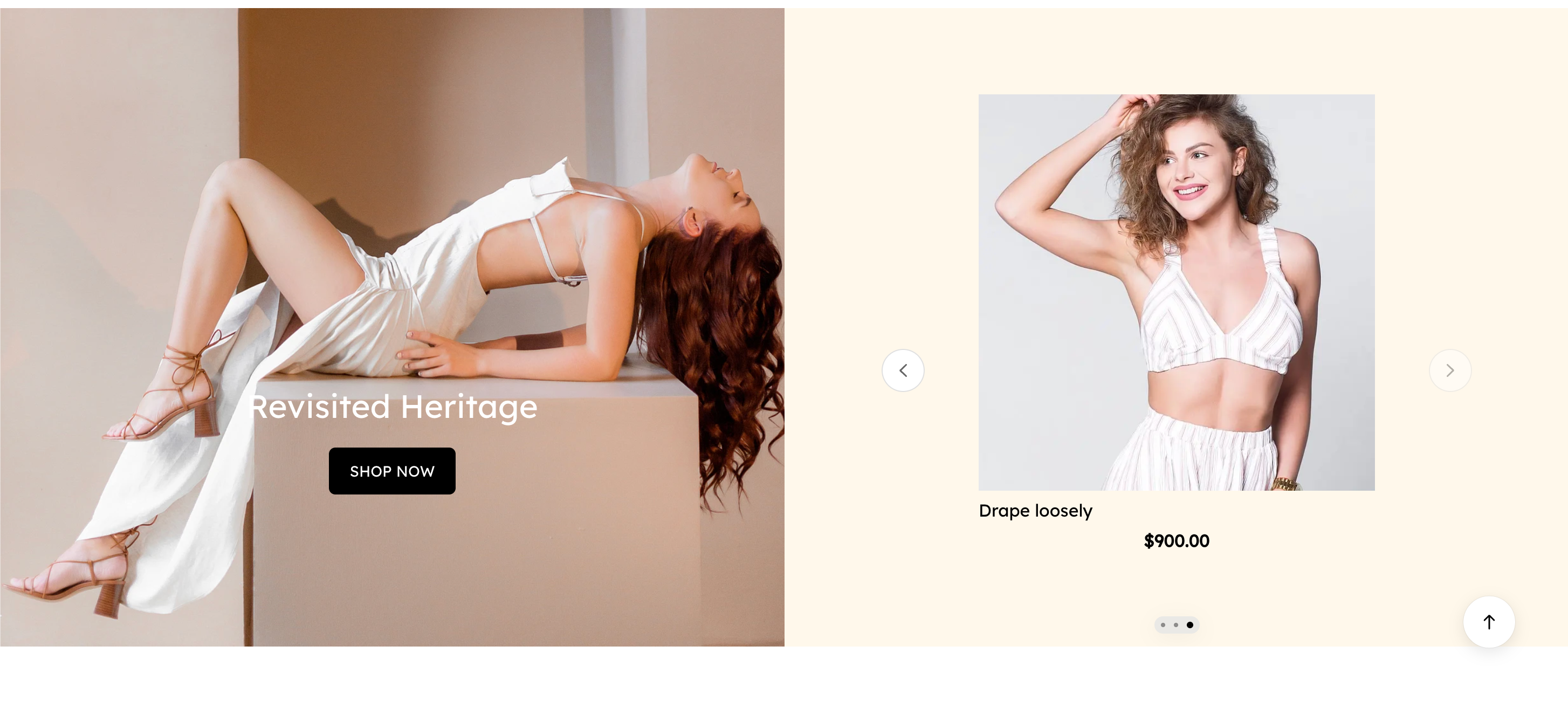 | 720 x 563 px | |
Matching Image & Text Content
| 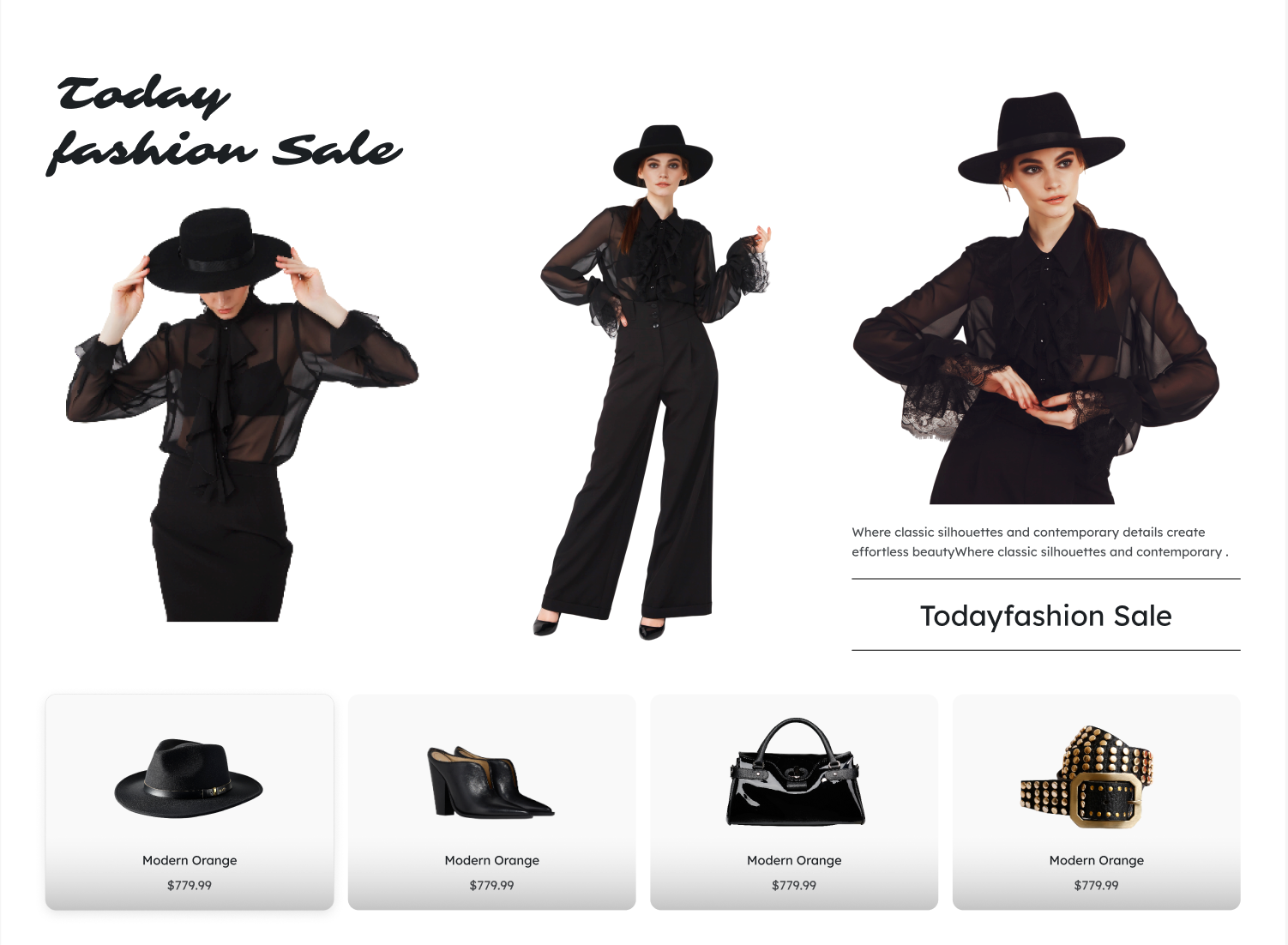 | 436 x 653 px | |
Countdown
| 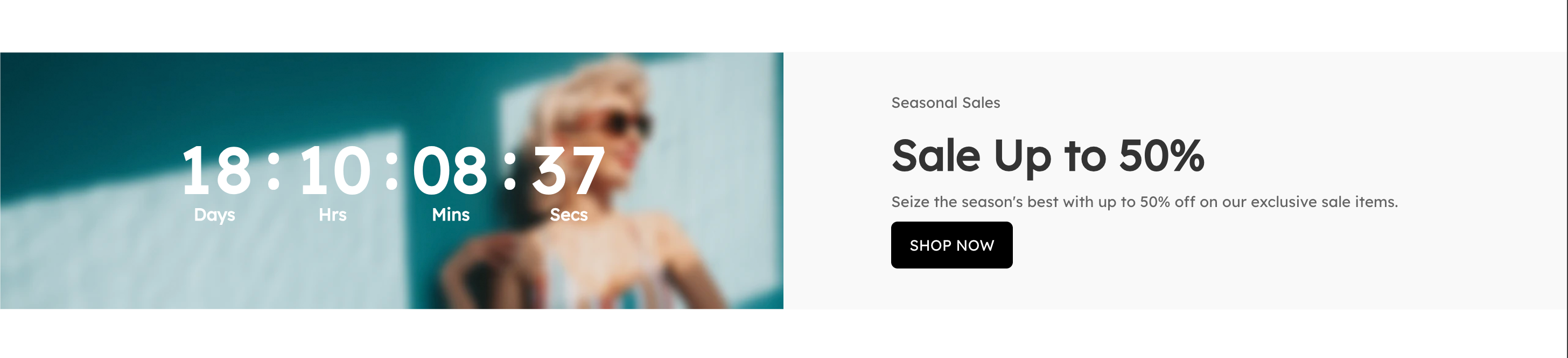 | 720 x 236 px | |
Ads | 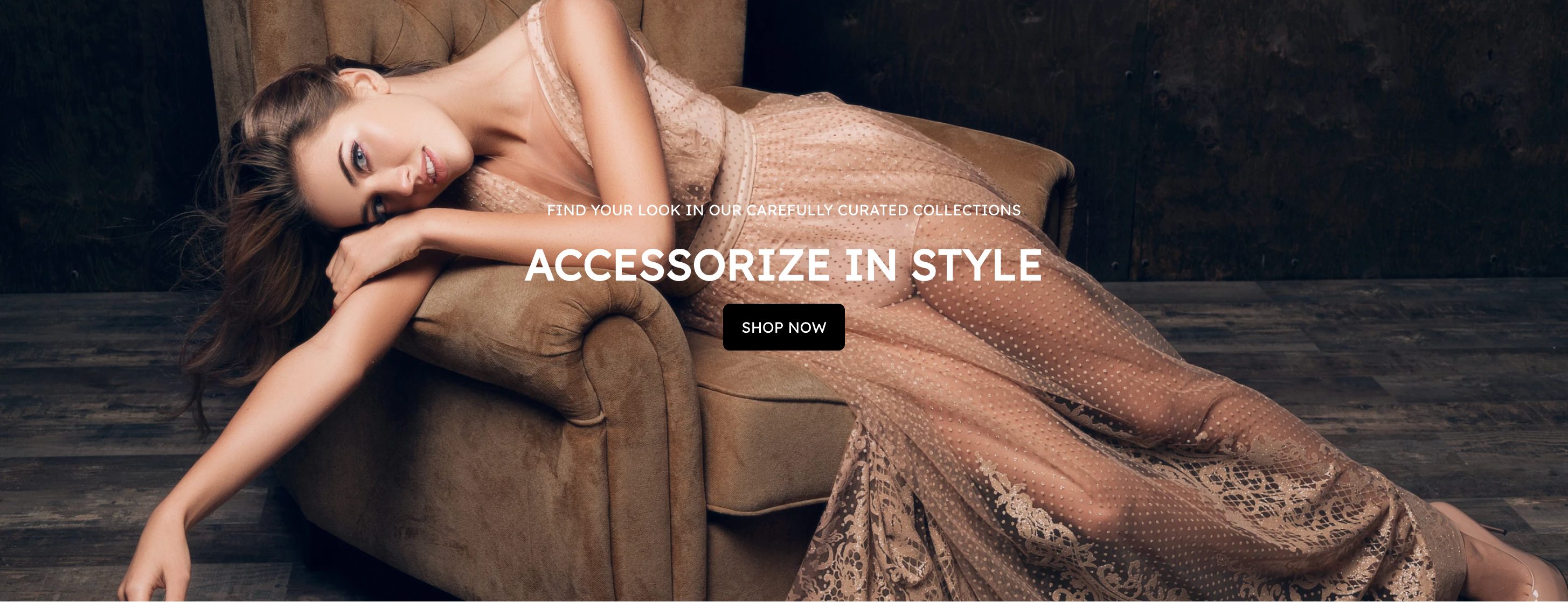 | 1920 x 563 px | |
Blog Cover
| 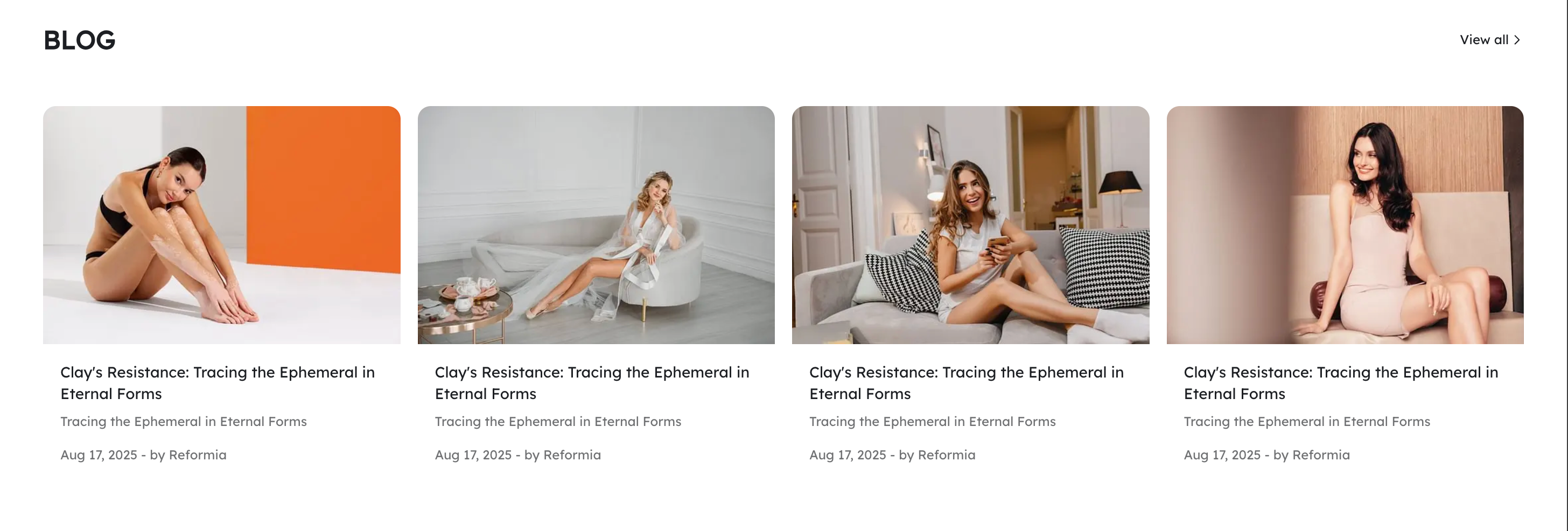 | 323 x 248 px | |
| Icon |  | 60 x 60 px | Recommended upload resolution: 72 DPI.
|
| Footer Logo Element | 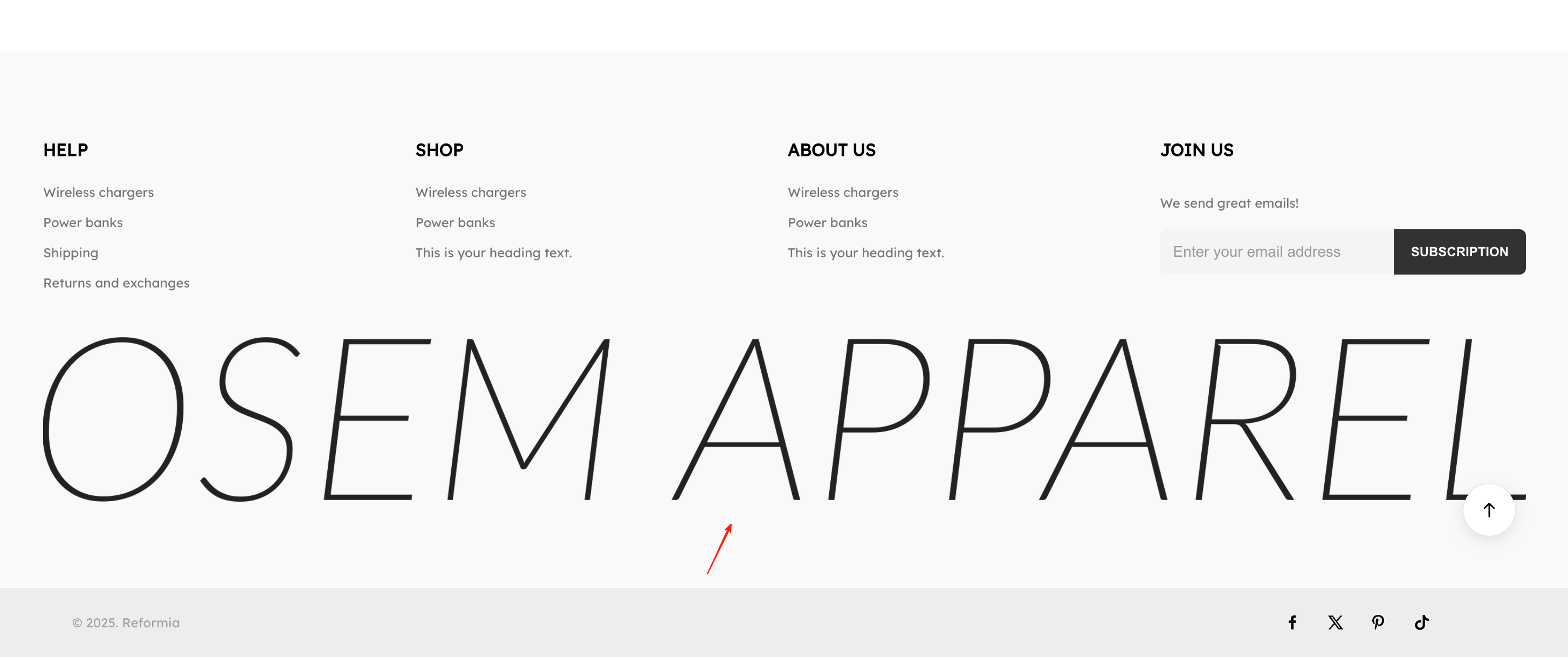 | 1370 x 250px |
3. Album Details
| Module | Image Display | Recommended Size | Notes |
| Album Cover | 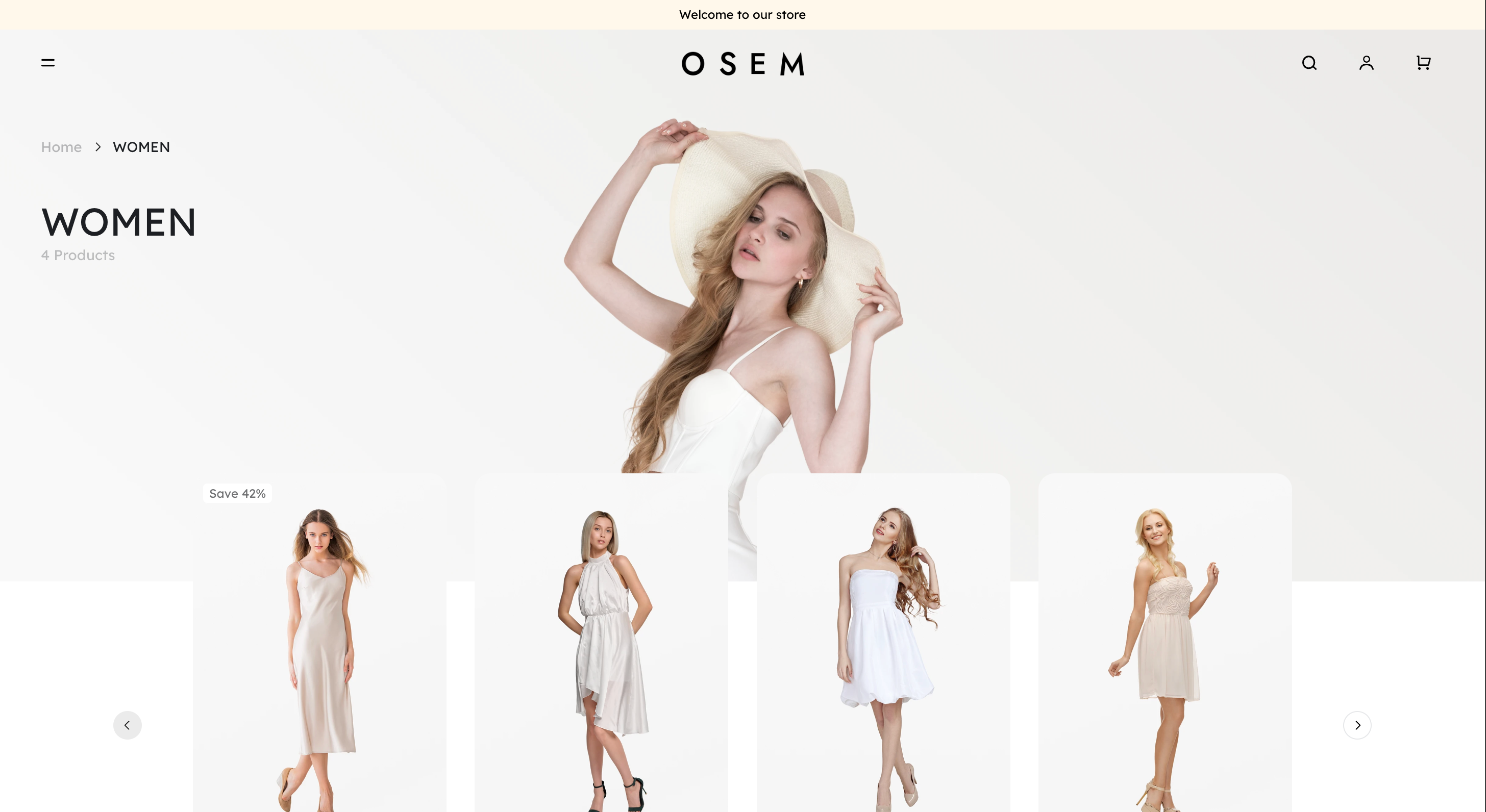 | 1920 x 600 px | |
| Featured Recommendations: | 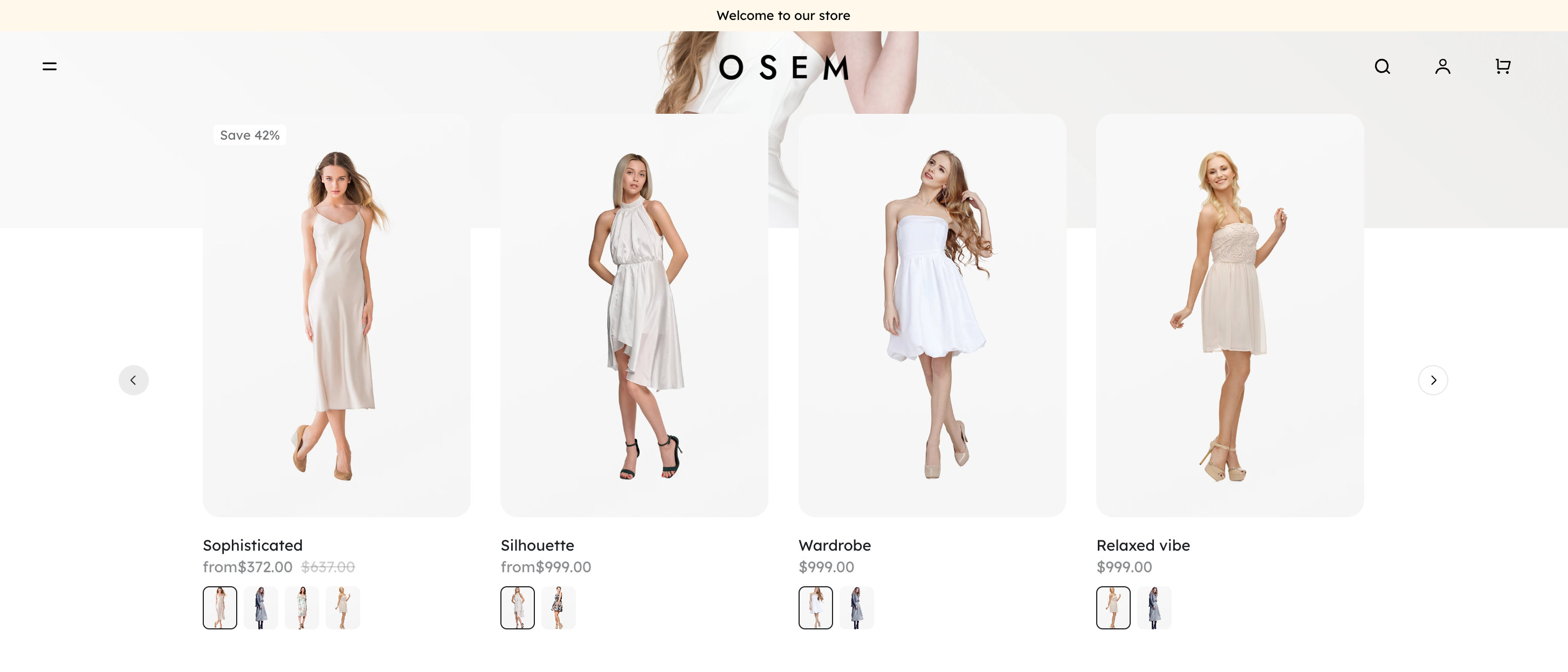 | 210 x 266 px | If displaying fewer items in a single row, you can upload images up to a maximum size of 662 × 996 px. |
| Ads | 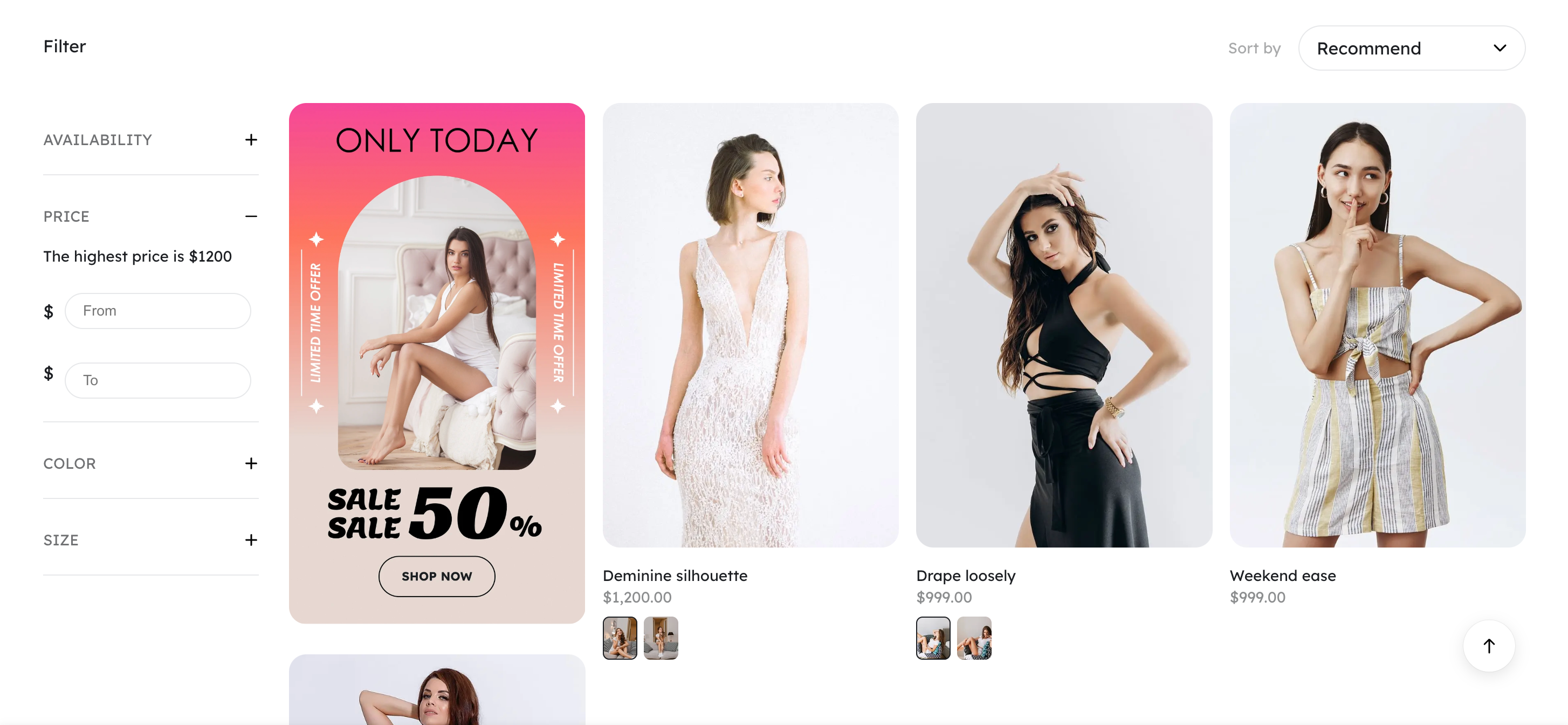 | 323 x 568 px | If displaying fewer items in a single row, you can upload images up to a maximum size of 662 × 996 px. |
| Cover Size | 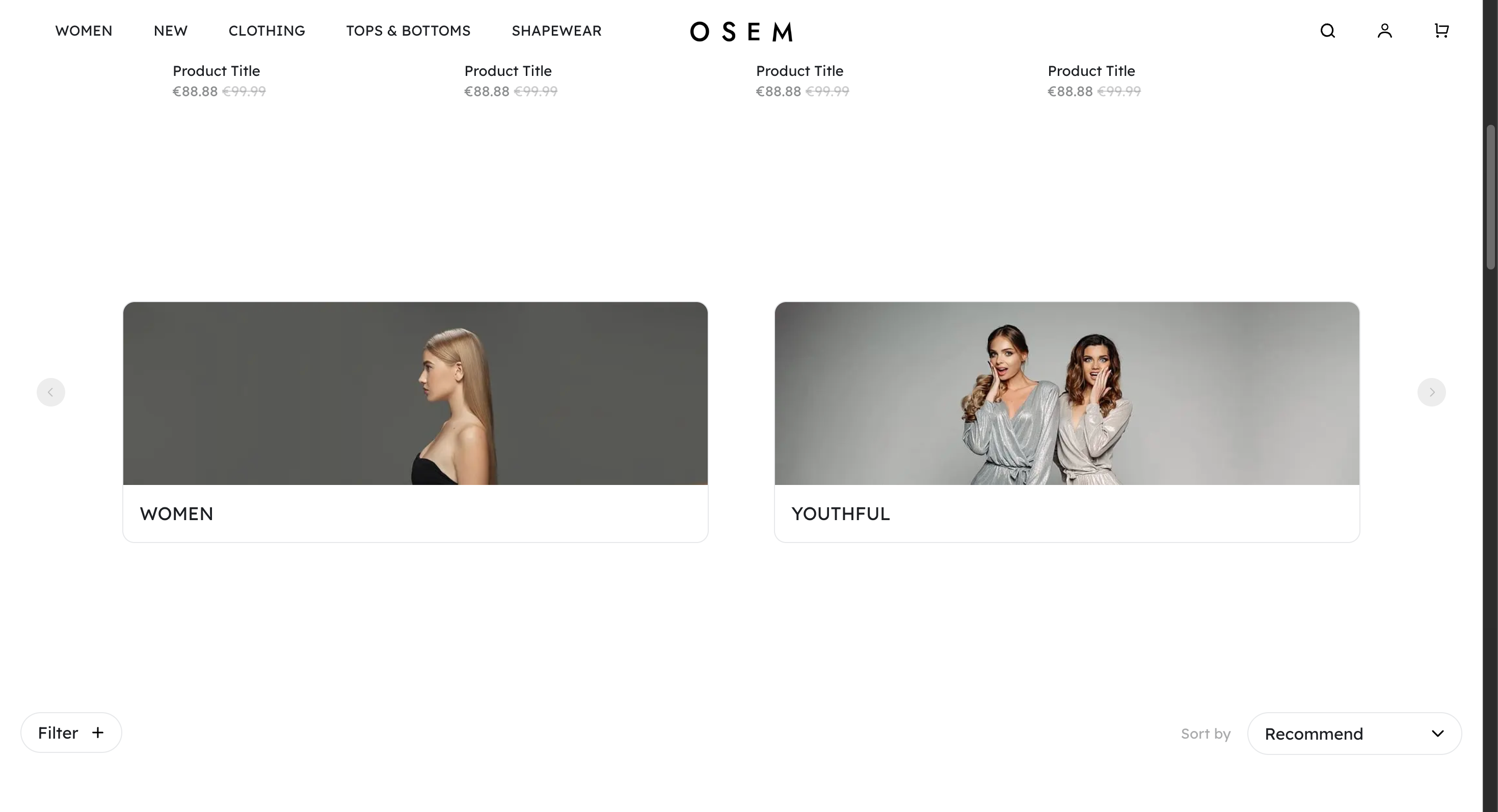 | 210 x 234 px |
4. Product Details
| Module | Image Display | Recommended Size | Notes |
| Product detail images | 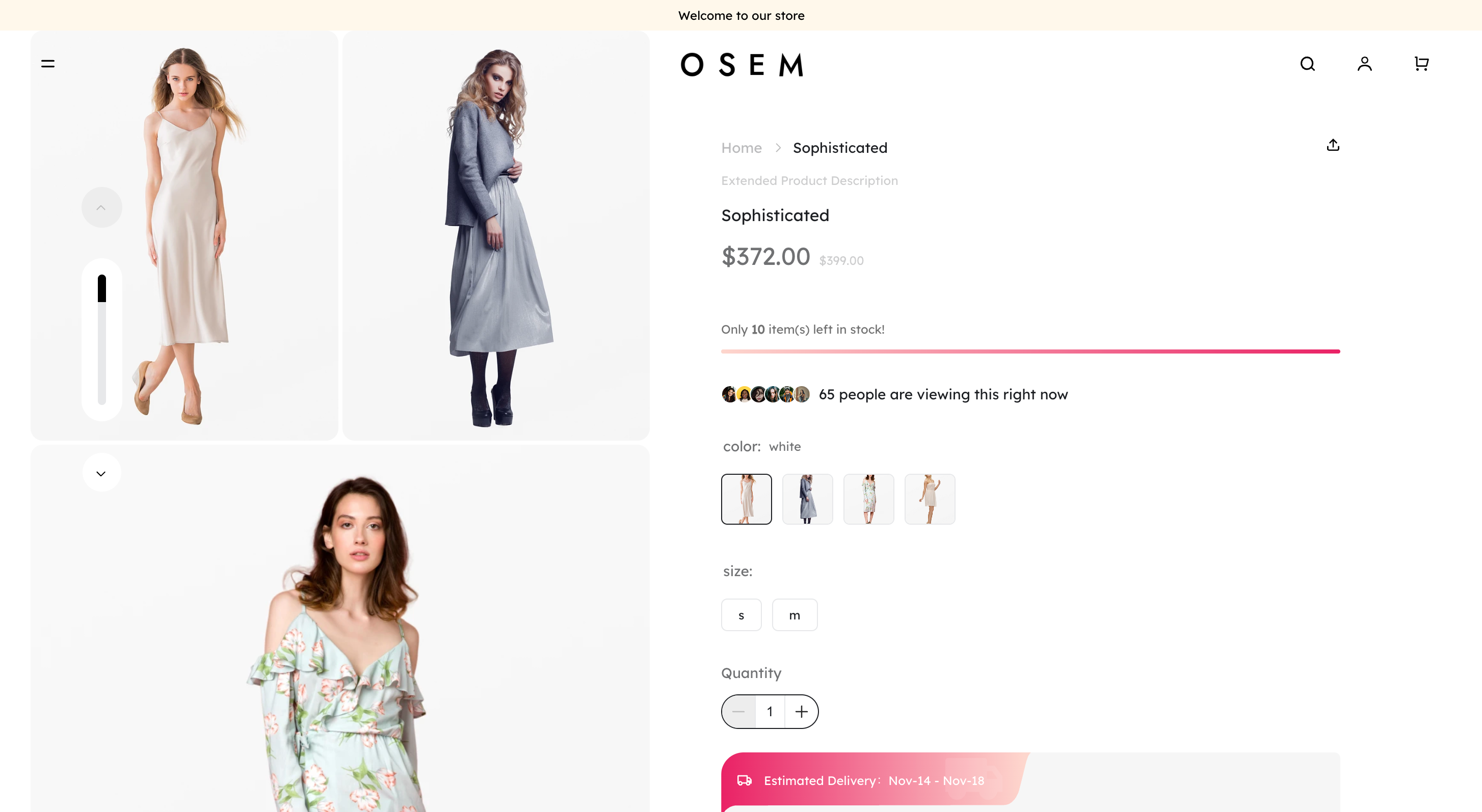 | Vertical: 354 × 500 px Horizontal: 712 × 400 px | 1. It is recommended to include lifestyle or contextual images along with product detail images to improve conversion rates, and avoid using only white-background images. 2. Keeping a consistent image ratio for product detail images will make the carousel display more organized and visually consistent.
|
Artevo Theme Style Image Size Recommendations
1. Header / Footer
| Module | Image Display | Recommended Size | Notes |
| logo |  | PC:120 px M:60 px | SVG format is recommended for clarity; a transparent background is preferred. |
Footer - Logo
|  | PC:218 x 70 px M:96 x 32 px |
2. Homepage
| Module | Image Display | Recommended Size | Notes |
| Slideshow / Video | 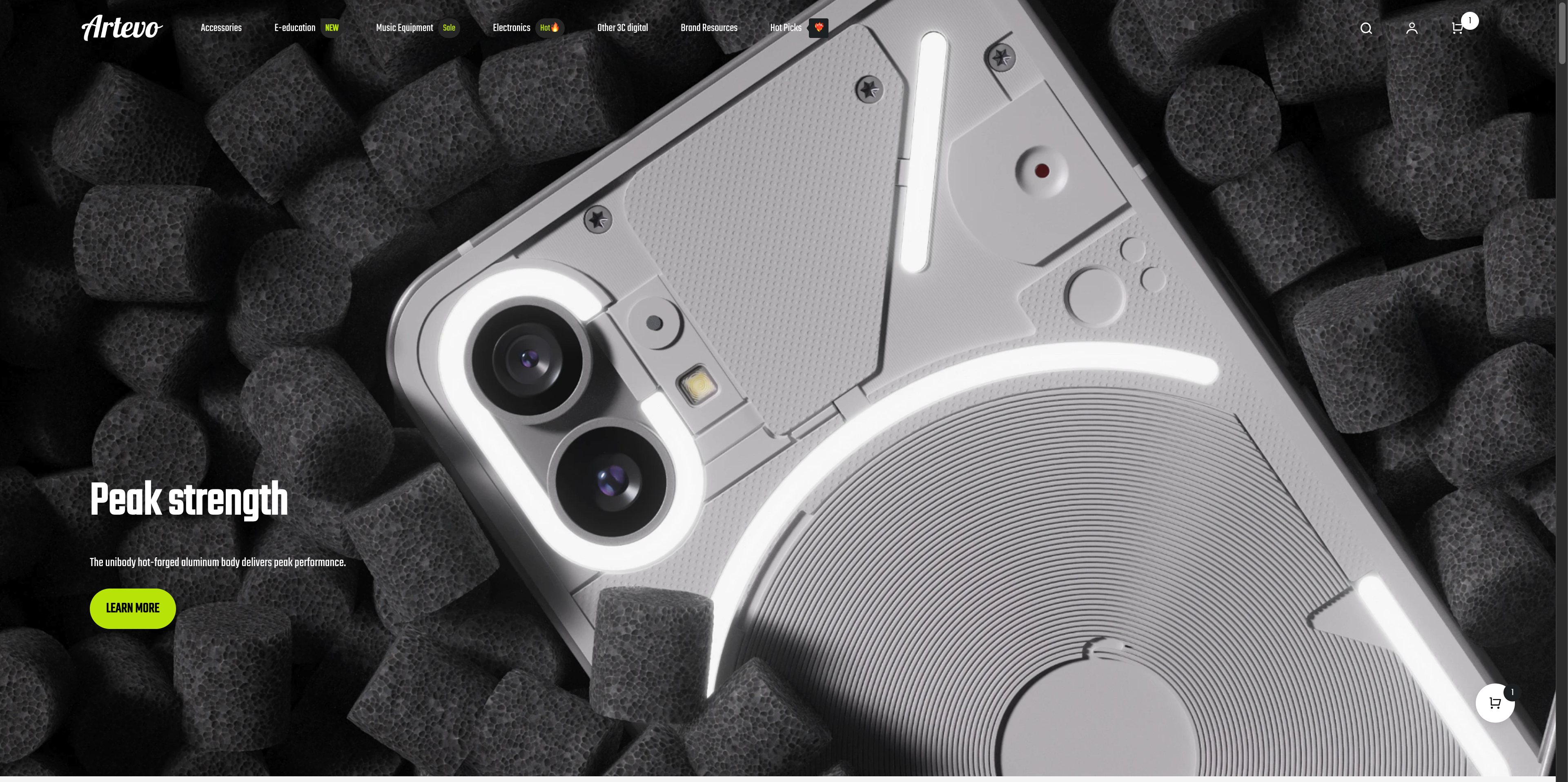 | PC:1920 x 740 px M:390 x 580 px | Keep important text centered (to avoid being cropped). |
| Album Cover 1 | 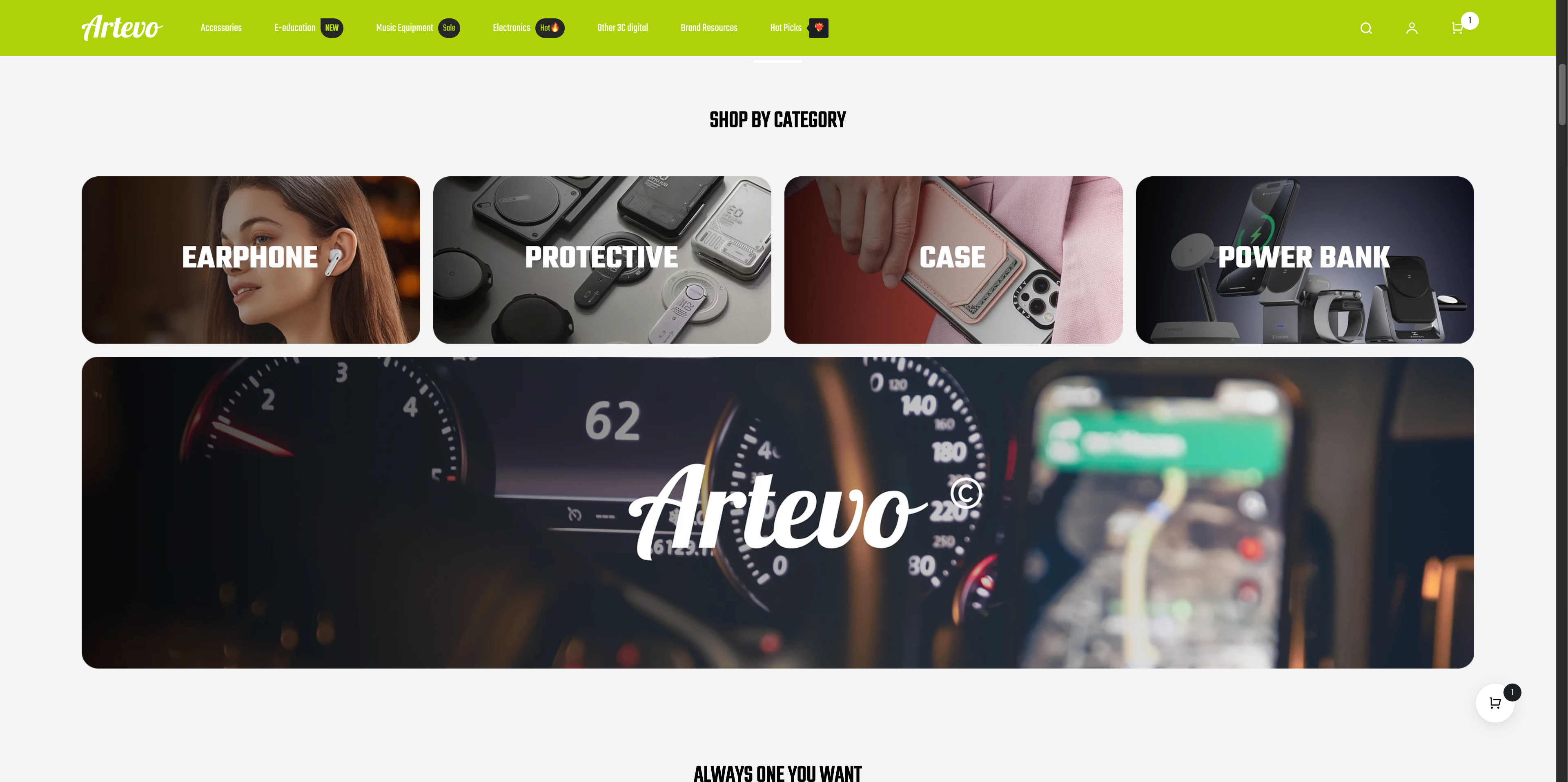 | PC:1340 x 300 px M:323 x 160 px
| |
| Album Cover 2 | 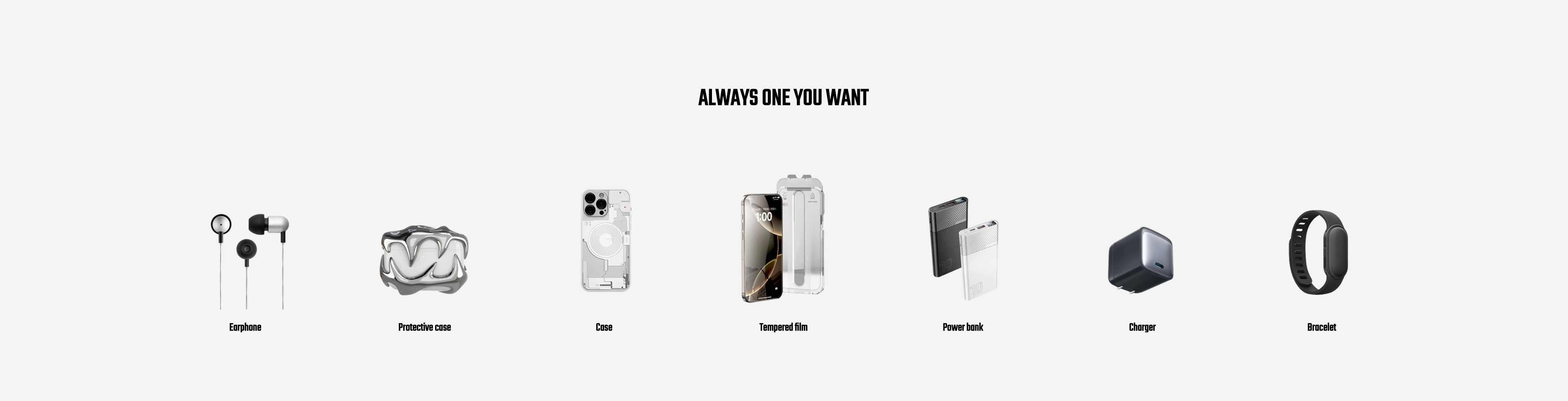 | 154 x 154 px
| |
| Product Images | 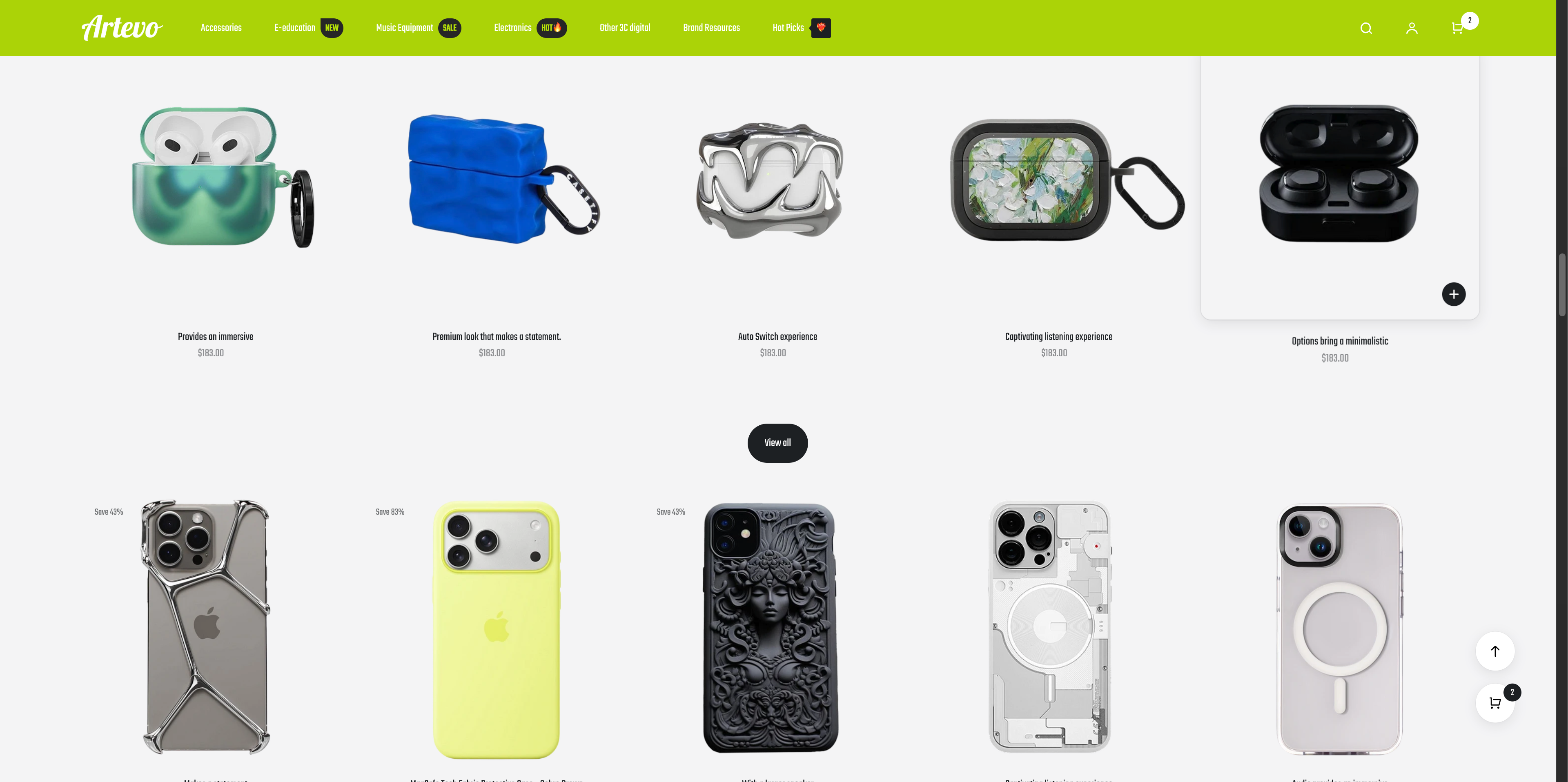 | 323 x 486 px | If displaying fewer products in a single row, images can be uploaded up to a maximum size of 662 × 996 px. |
| Category Cover |
| 303 x 378 px | |
Matching Image & Text Content
|
| One PC large image: 243 × 464 px Four PC small images: 243 × 243 px
| |
| Matching Image & Text Content |
| One PC large image: 1440 × 1024 px Three PC small images: 243 × 243 px
| |
| Blog Cover | 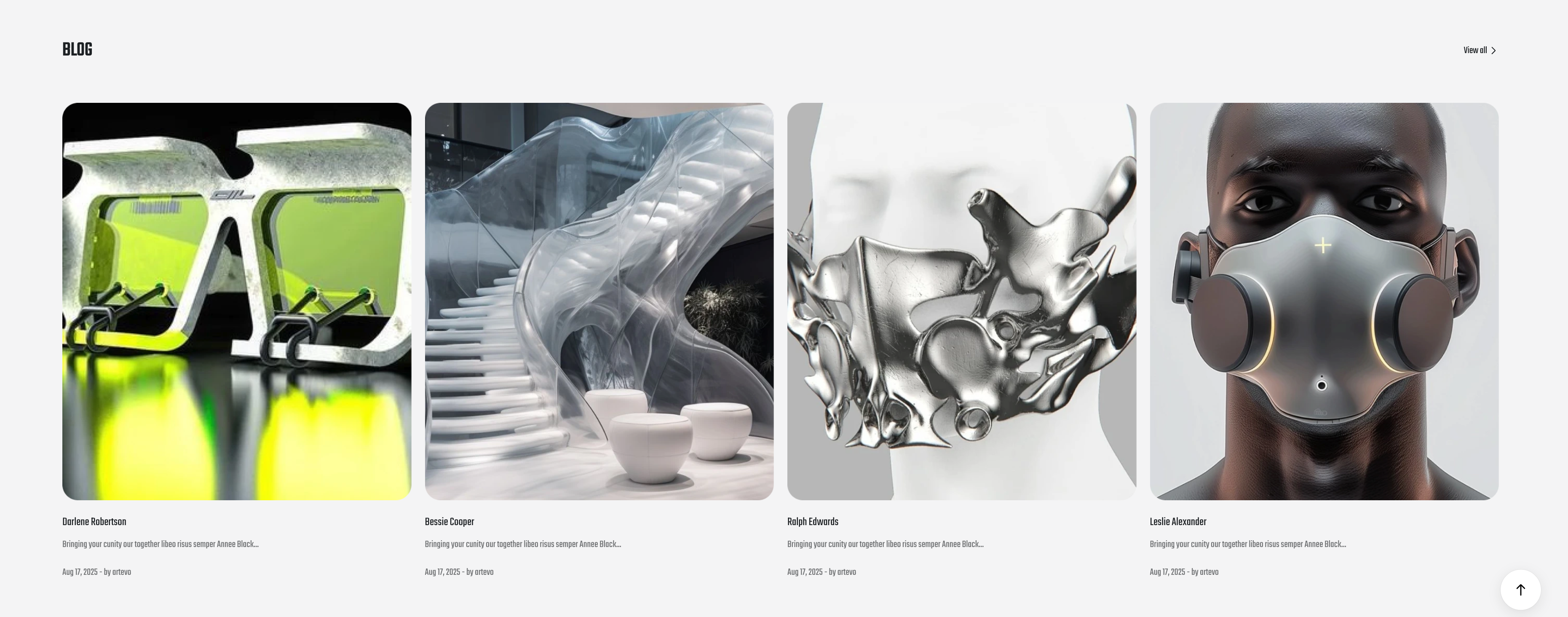 | 224 x 254 px | |
| Icon |  | 60 x 60 px | Please upload clear icons. |
Subscription
|
| 767 x 400 px |
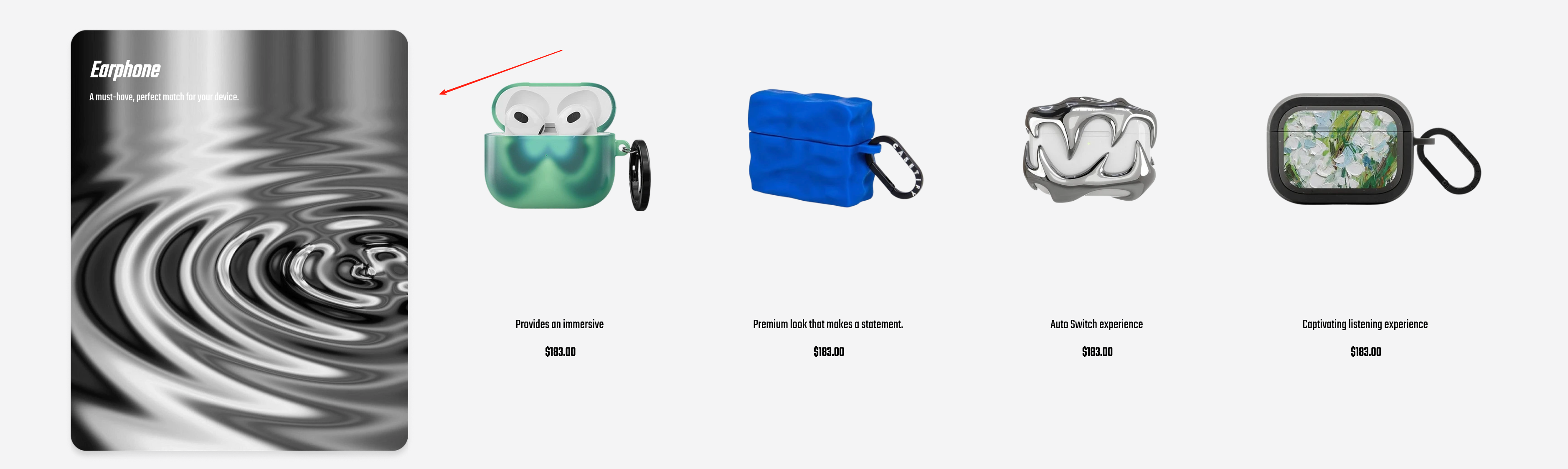
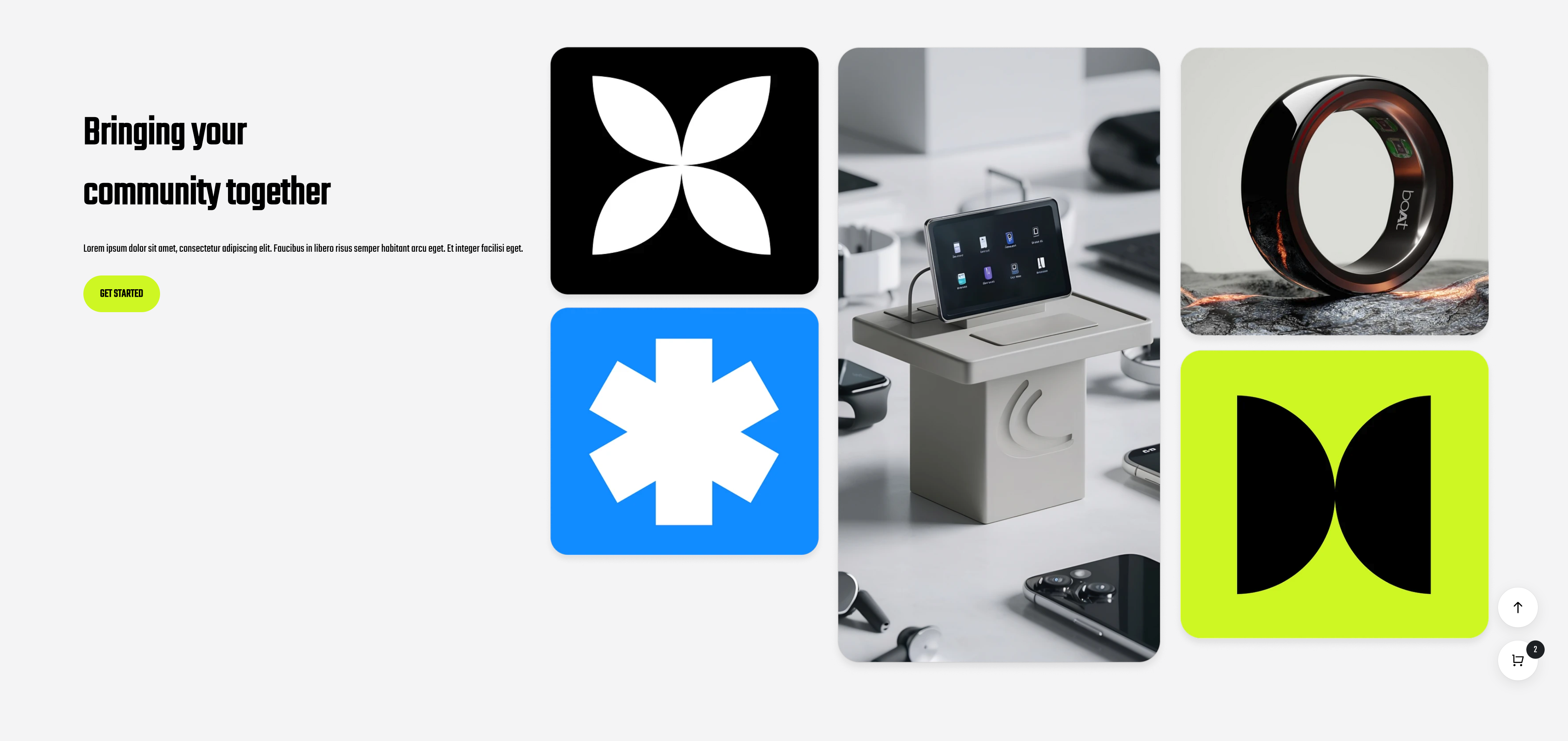
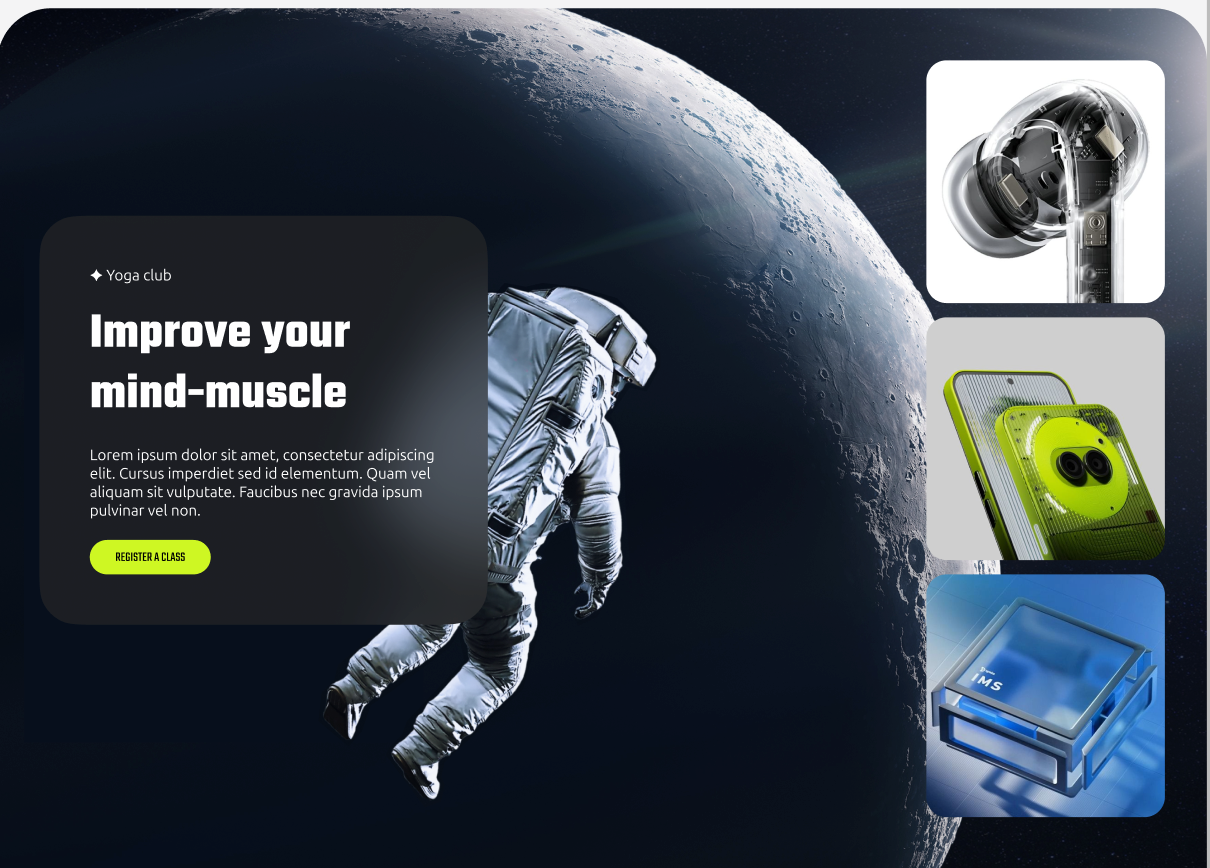
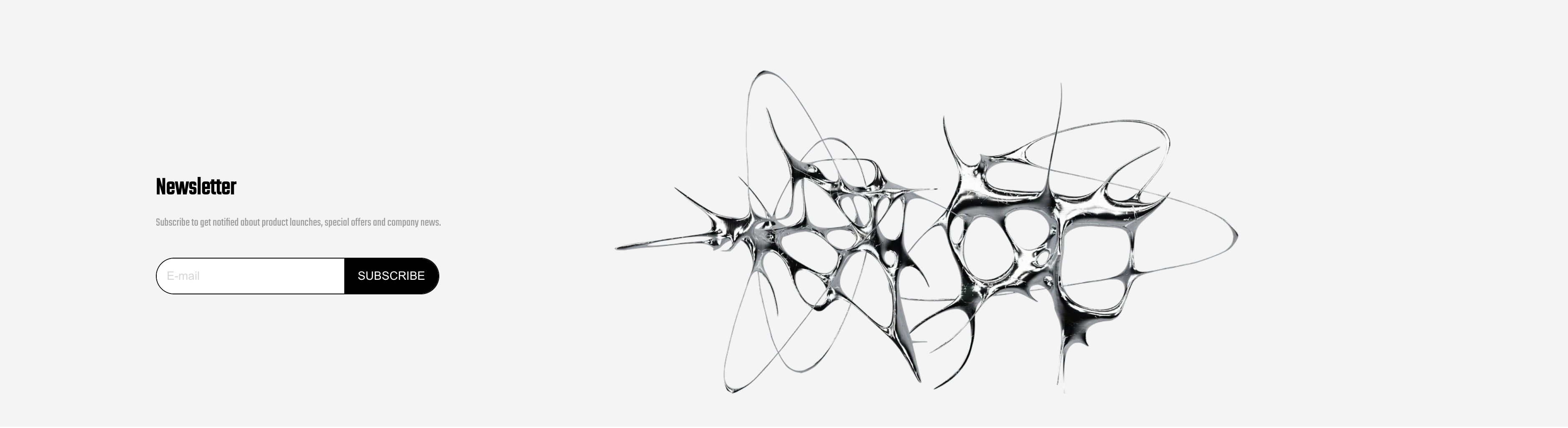
Neatwood Theme Style Image Size Recommendations
1. Header / Footer
| Module | Image Display | Recommended Size | Notes |
| logo |
| PC: 120 px M: 60 px
| SVG format, clearly readable, with a transparent background preferred.
|
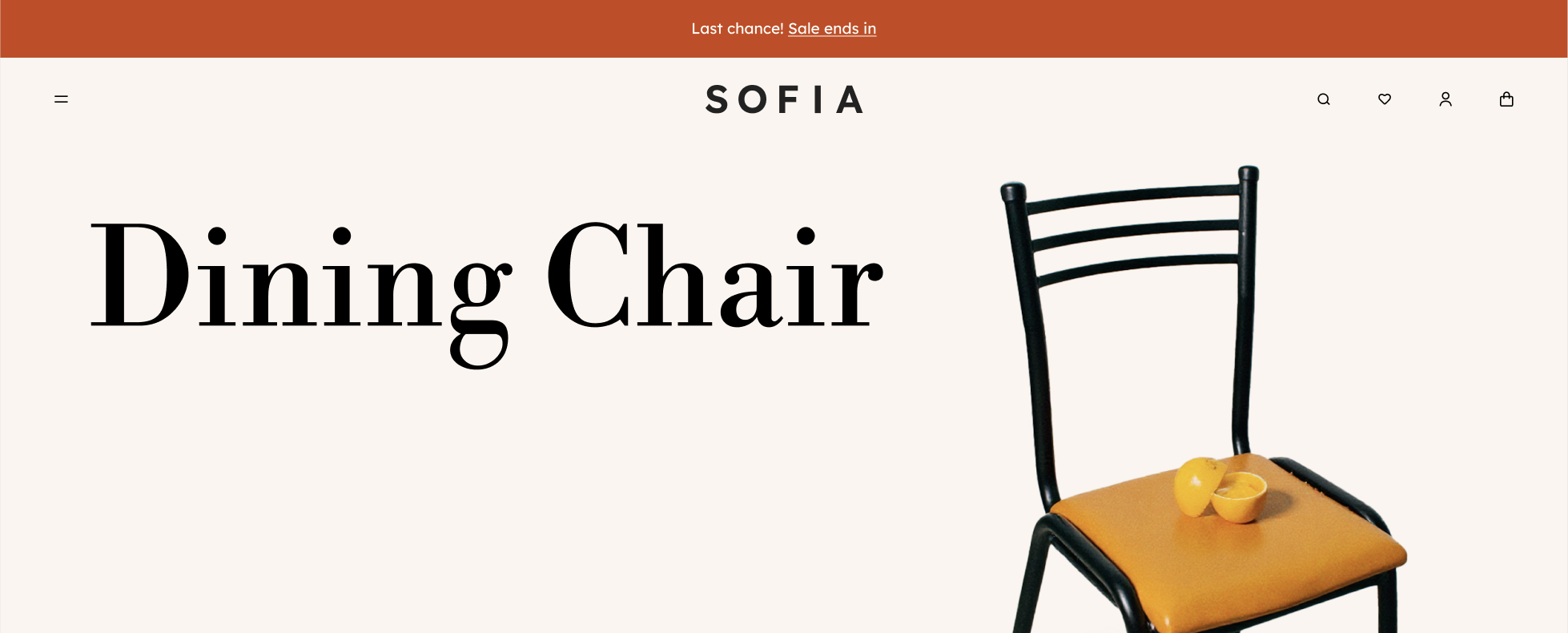
2. Homepage
| Module | Image Display | Recommended Size | Notes |
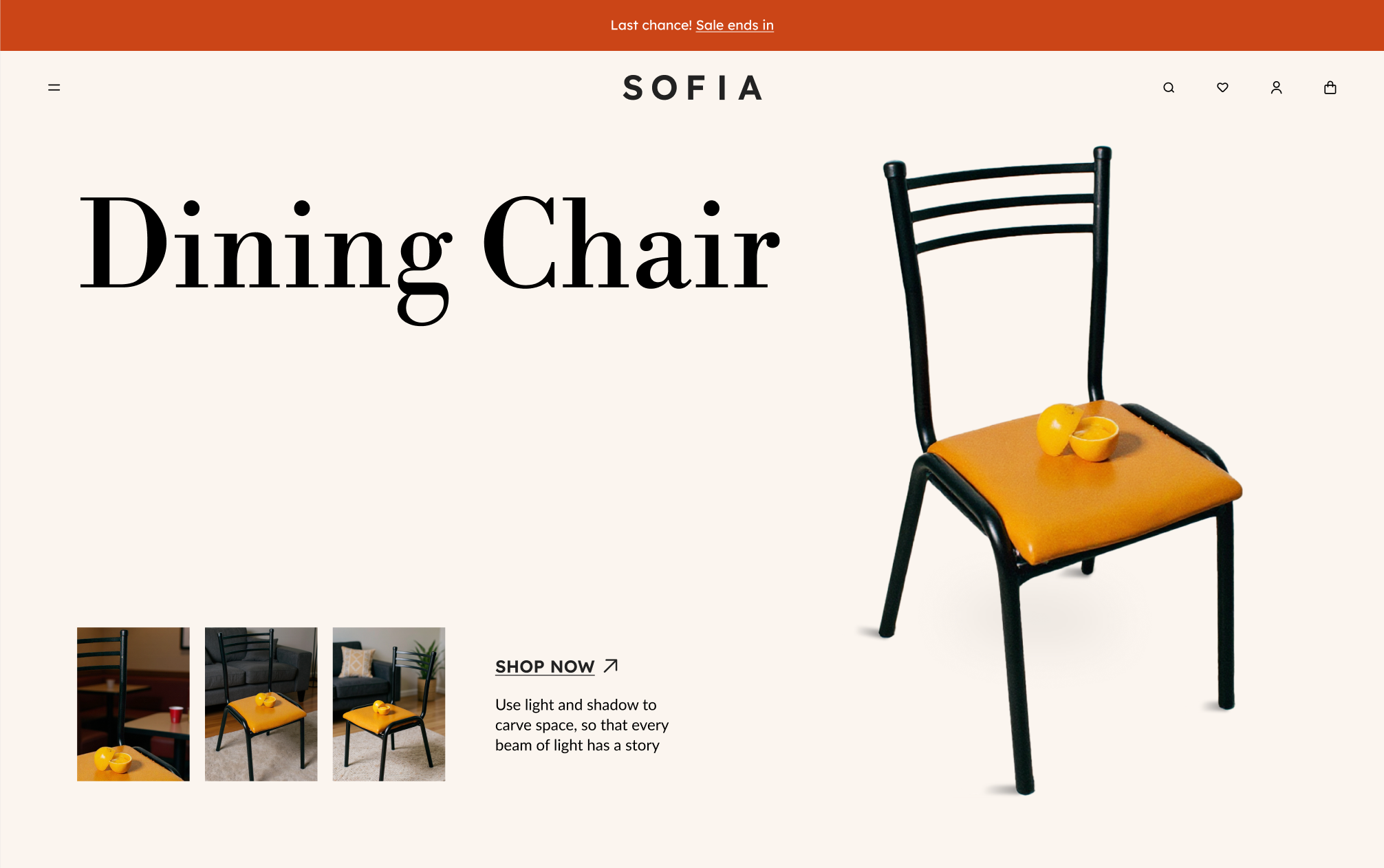
Slideshow / Video
|
| PC: 920 x 800 px M: 390 x 600 px
| Special characters or large title fonts can be designed directly on the banner image.
|
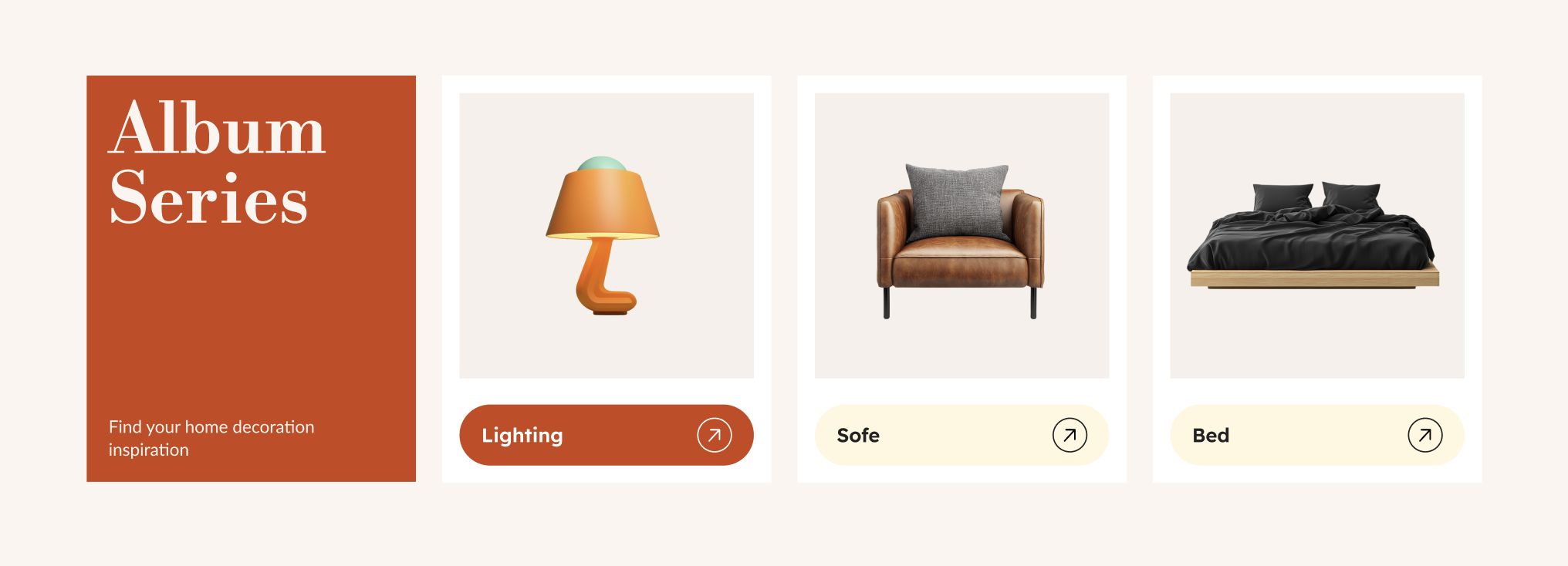
Album Cover
|
| Album Cover: 270 × 262 px | Same size for PC & Mobile |
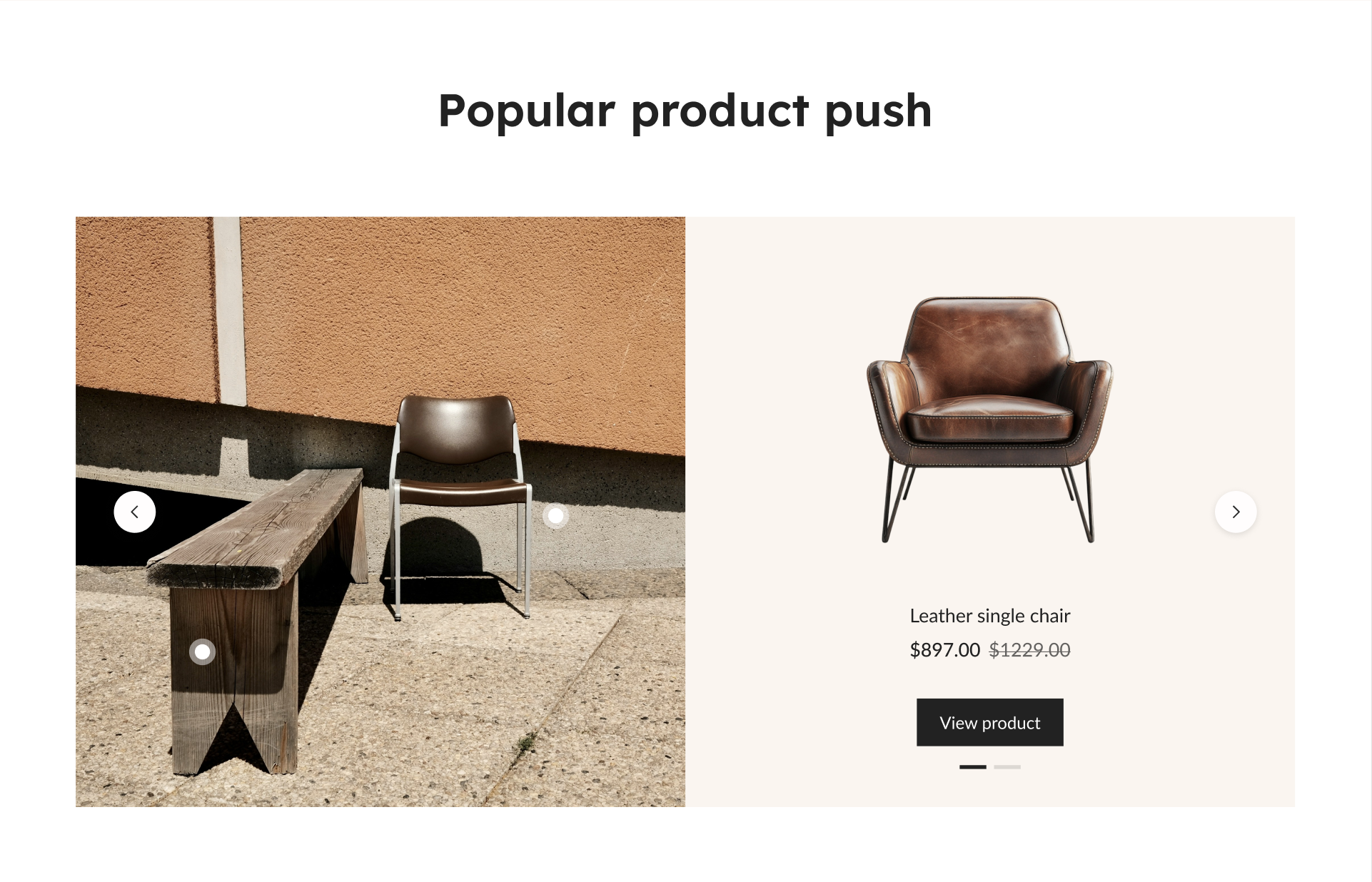
Single Product Promotion
|
| Product detail images: 640 × 620 px Product images: Square (e.g., 1000 × 1000 px) or transparent background is also acceptable.
| Product Images: Same size for PC & Mobile.
|
Album Promotion
|
| Product images: square format or transparent background is acceptable (e.g., 1000 × 1000 px). | 1. If you want the background color to match the product background, you can export the product image with a transparent PNG background when uploading. 2. Product images: same size for PC & Mobile. |
| Single Album Promotion |
| Text design width: 1280 px Right-side image: 870 × 514 px Product image: square format is sufficient (e.g., 1000 × 1000 px) | 1. The product image on the right side can use a PNG format with a transparent background. 2. Product images: same size for PC & Mobile.
|
| Album Promotion |
| Product image upload: 324 × 160 px
| 1. When uploading product images, you can choose either a white background or a PNG with a transparent background. 2. Product images: same size for PC & Mobile. 3. When uploading product images, you can export 2×–3× resolution images to maintain high clarity. |
| Album List |
| Large product image: 628 × 400 px Small product image: 302 × 400 px
| Product images should be the same size for PC & Mobile. |
Carousel Banner
|
| Banner size: 1440 × 240 px
| 1. The same image size can be used for both PC and mobile. 2. If there are special font styles, they can be designed directly on the banner and exported as an image. 3. Text can be exported in SVG format. |
| Image Comparison |
| Image size (same dimensions for before and after comparison): 1280 × 620 px
| The same image size can be used for both PC & Mobile.
|
Album Entry
|
| Album cover size: 410 × 480 px |
1. The same image size can be used for both PC & Mobile. 2. High-resolution (retina) images can be exported to ensure image clarity.
|
| Product List |
| Text image size: width should be 1280 px, height can adjust automatically based on content length. Product image size: square format is sufficient (e.g., 1000 × 1000 px). | 1. The same image size can be used for both PC & Mobile. 2. For this card, the product image should be in PNG format with a transparent background. 3. Text can be exported in SVG format.
|
| Brand Services |
| Icon size: 40 px | 1. Icon export format: SVG 2. Keep titles concise, and maintain consistent length for service descriptions. Try to avoid inconsistent line breaks (e.g., some text taking one line while others take two lines). |
| About us |
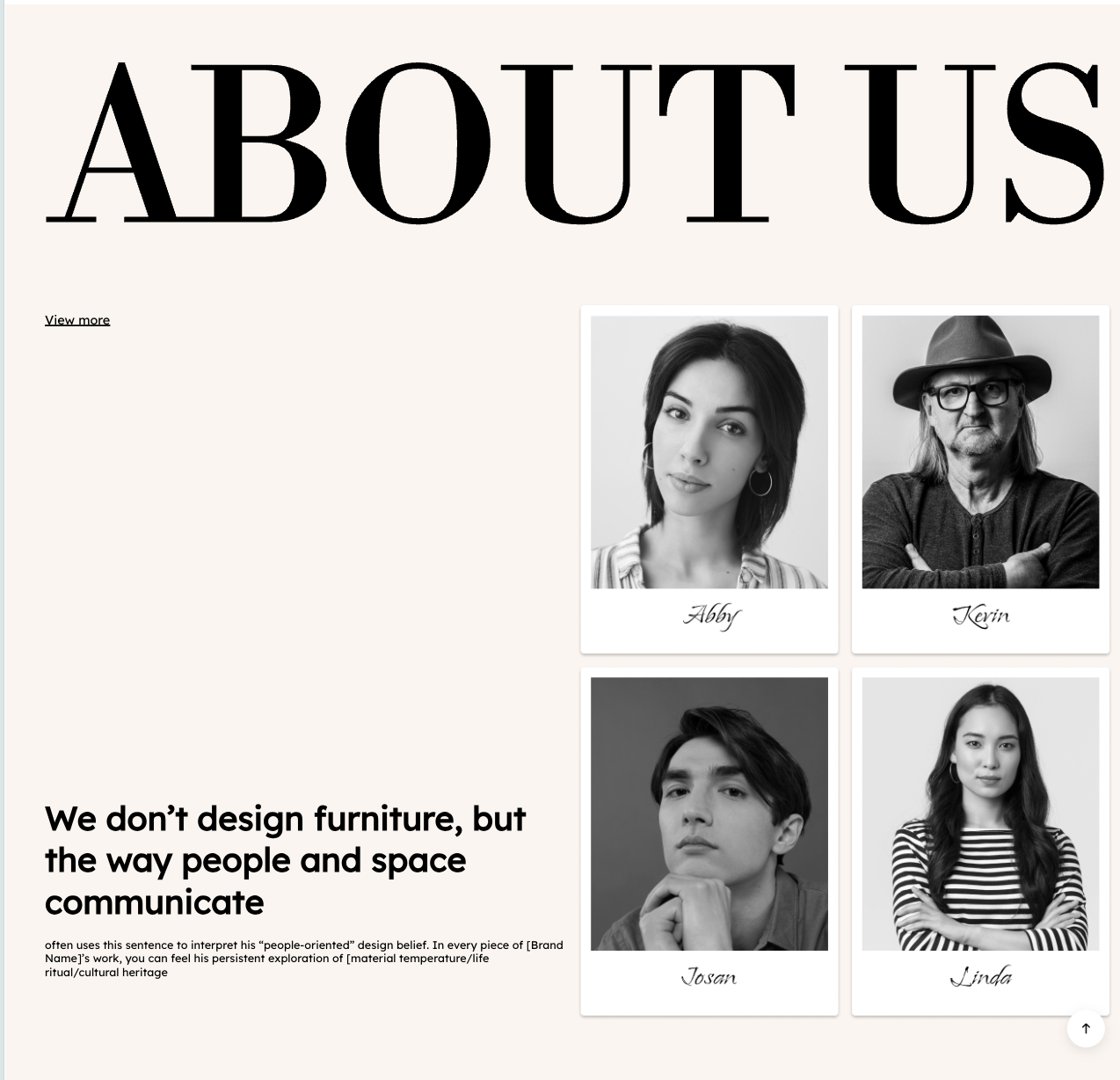
| Text width design: 1280 px, height can adjust automatically based on content length. Image design: 620 × 832 px. | 1. Sample image: can be designed based on actual use cases. This sample image should be a single complete image. 2. Follow the recommended image aspect ratio; high-resolution (retina) images can be exported to ensure image clarity.
|
| Blog |
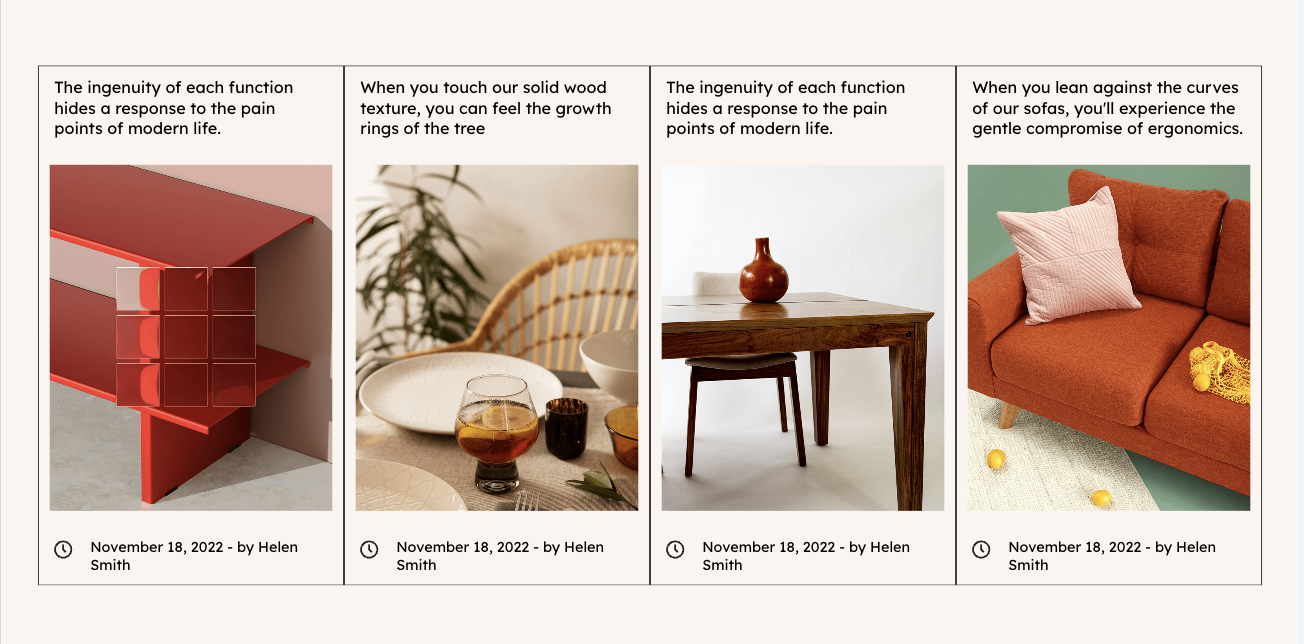
| Image size: 310 × 380 px | 1. The same image size can be used for both PC & Mobile. 2. Follow the recommended aspect ratio; high-resolution (retina) images can be exported to ensure image clarity.
|
| FAQ |
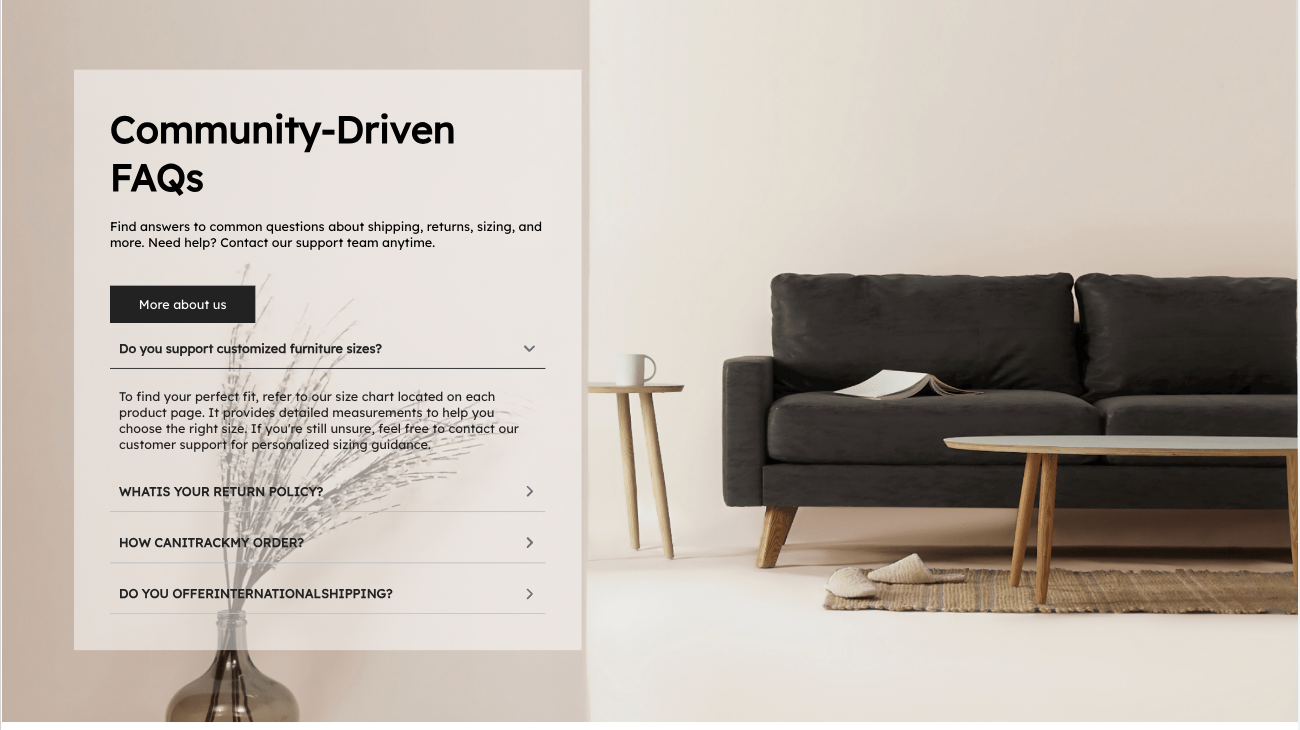
| Background image size: PC: 1440 × 930 px Mobile: 390 × 800 px
| The recommended height is based on the content. If additional FAQ items are added, the image height can be increased accordingly.
|
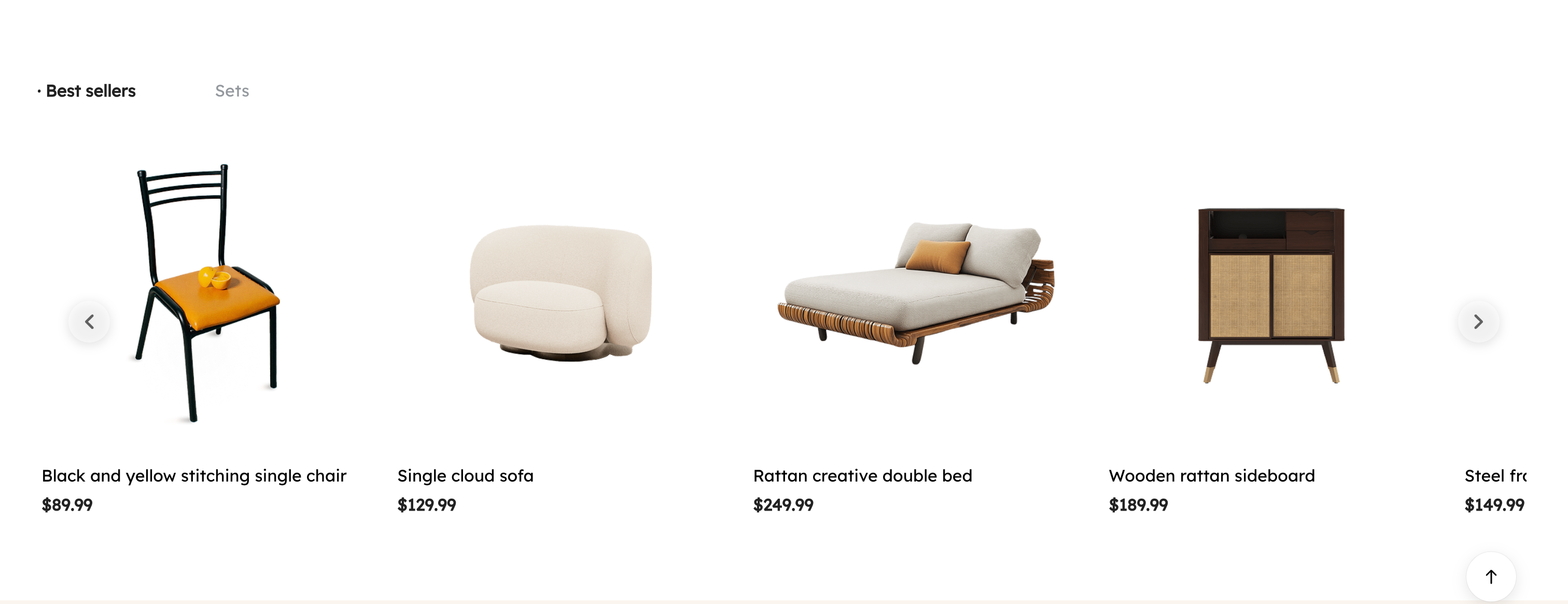
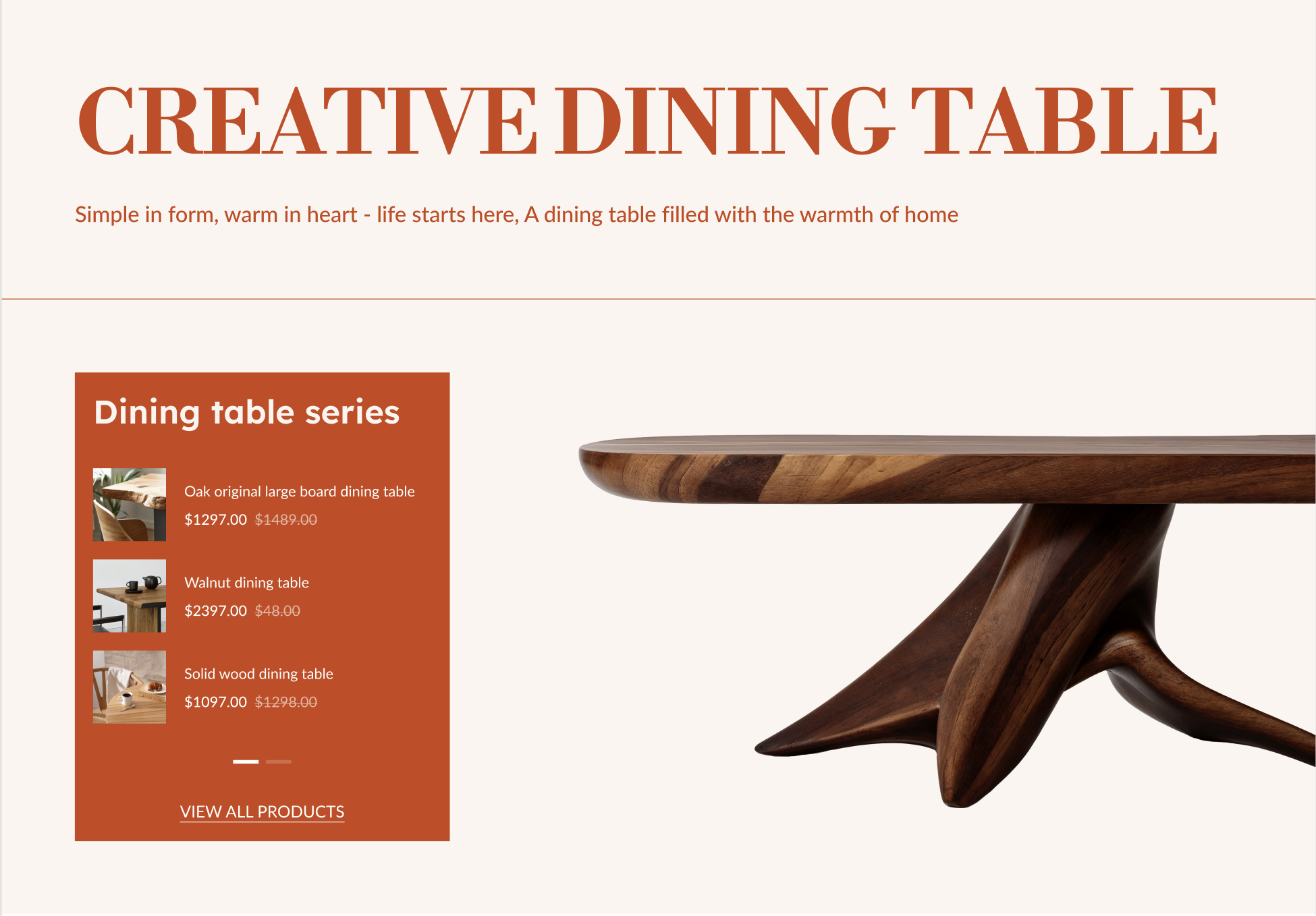
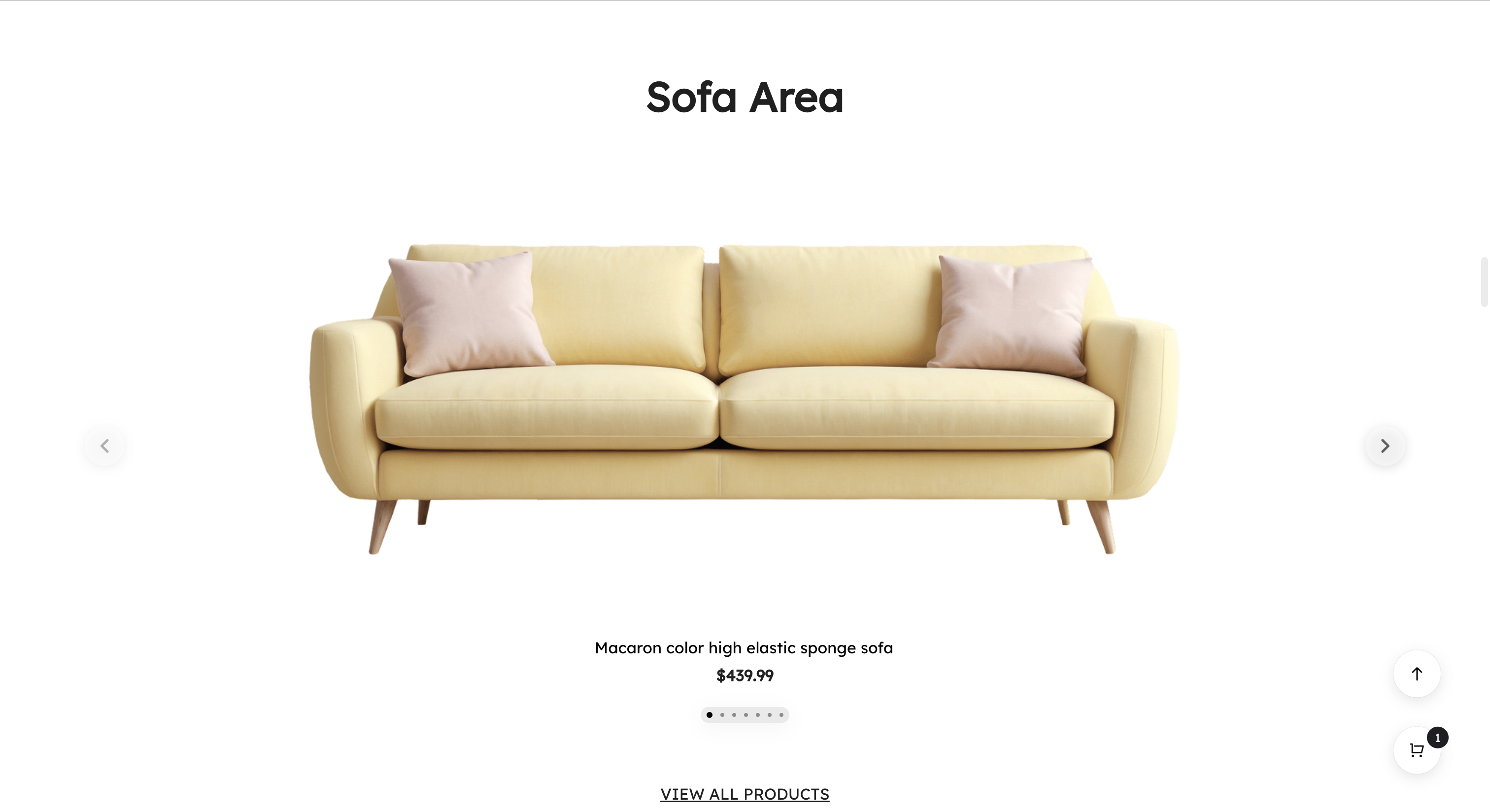
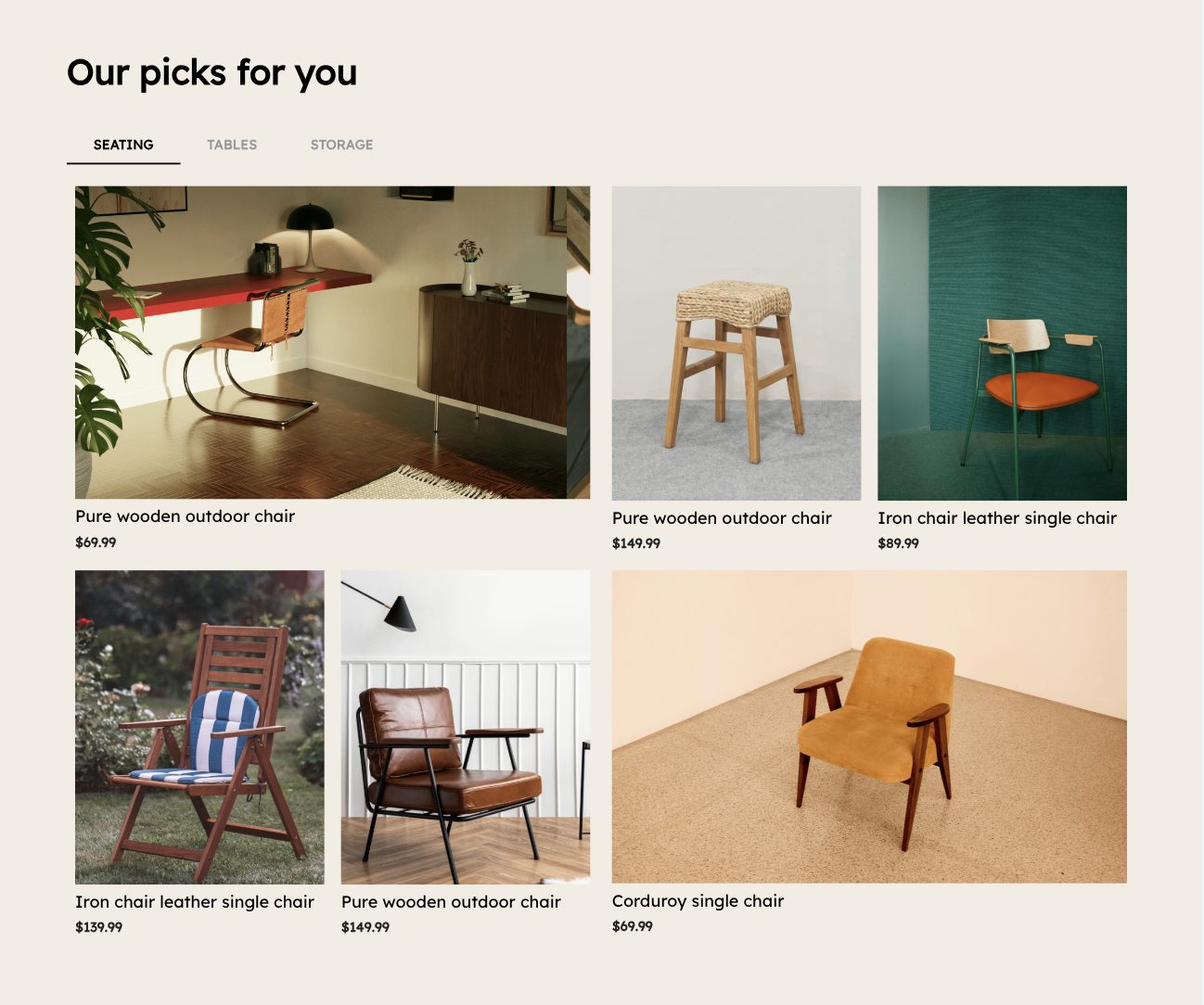

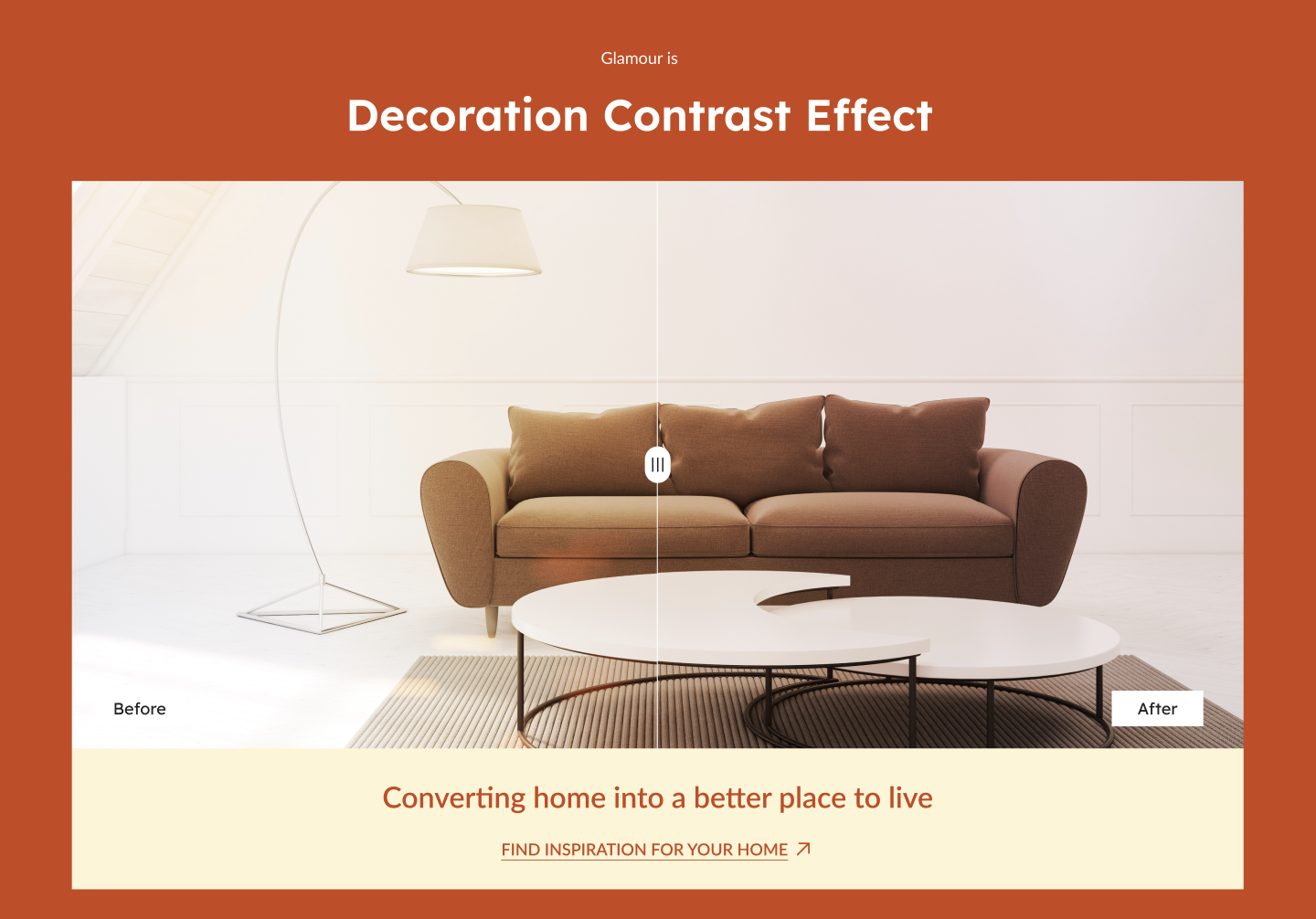
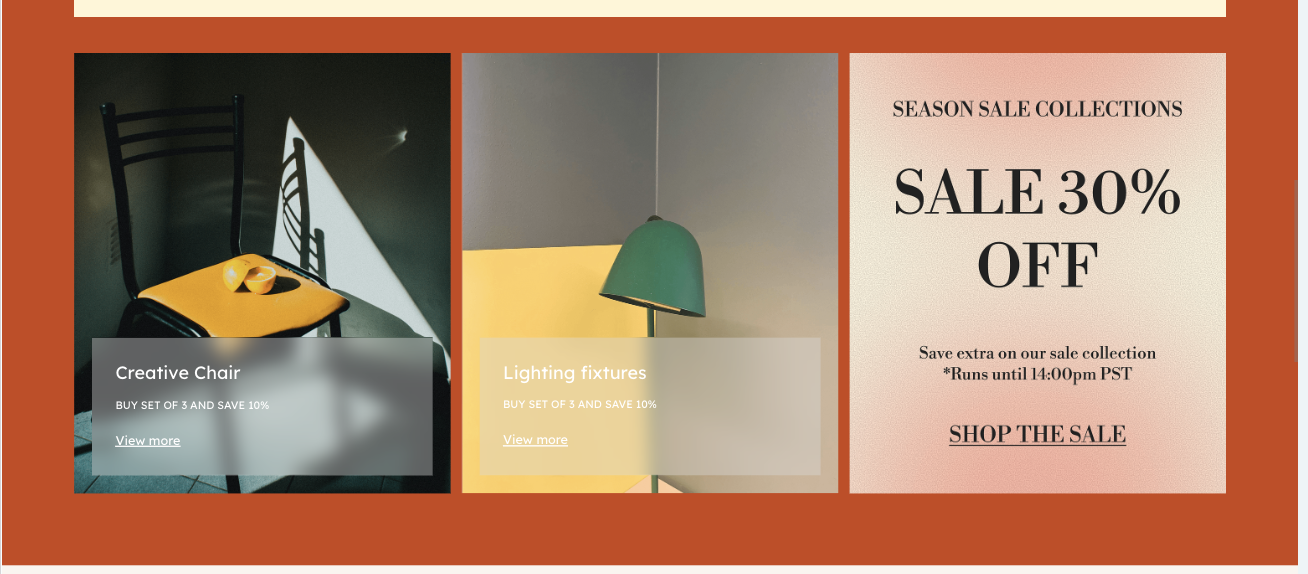
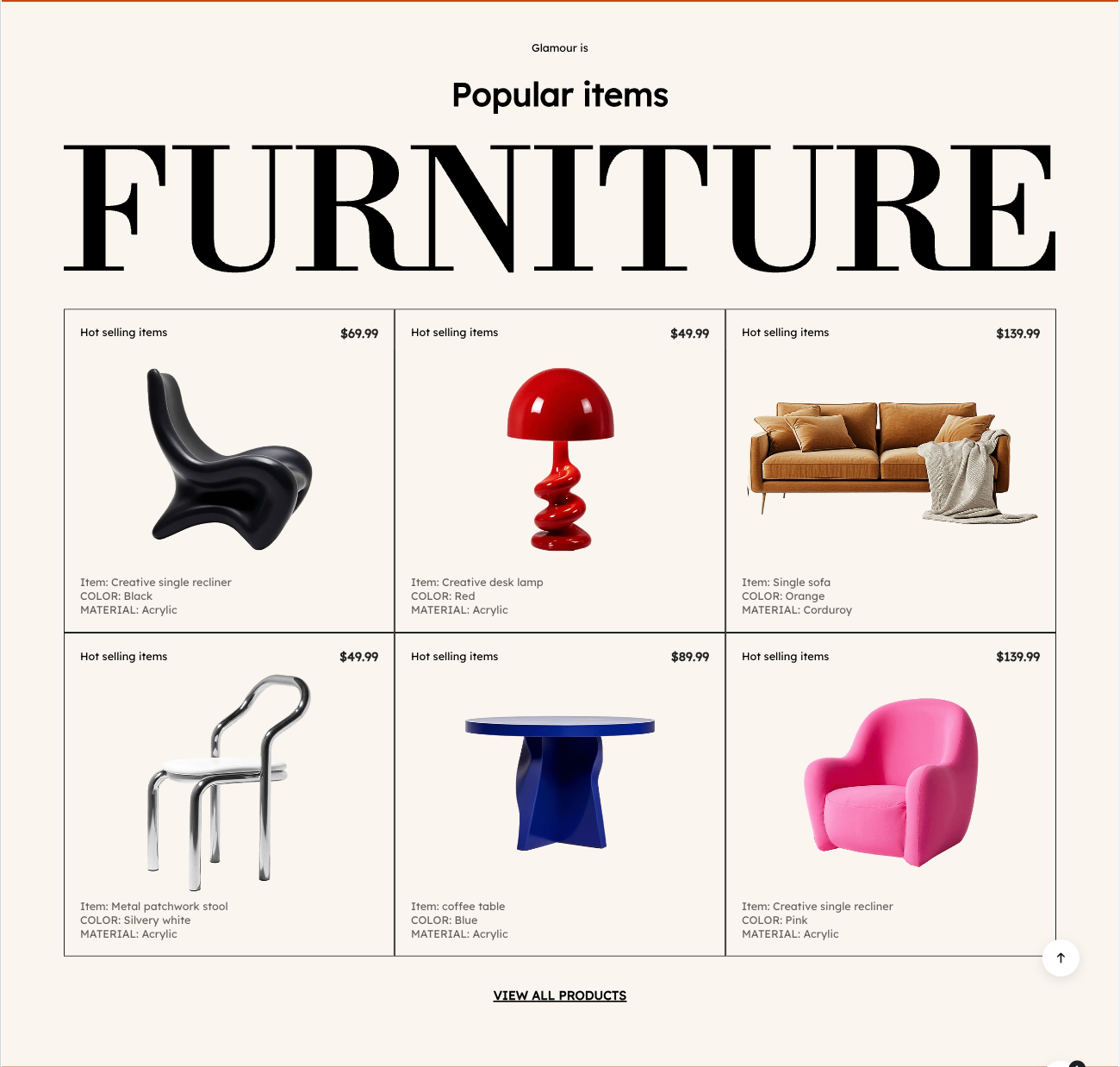
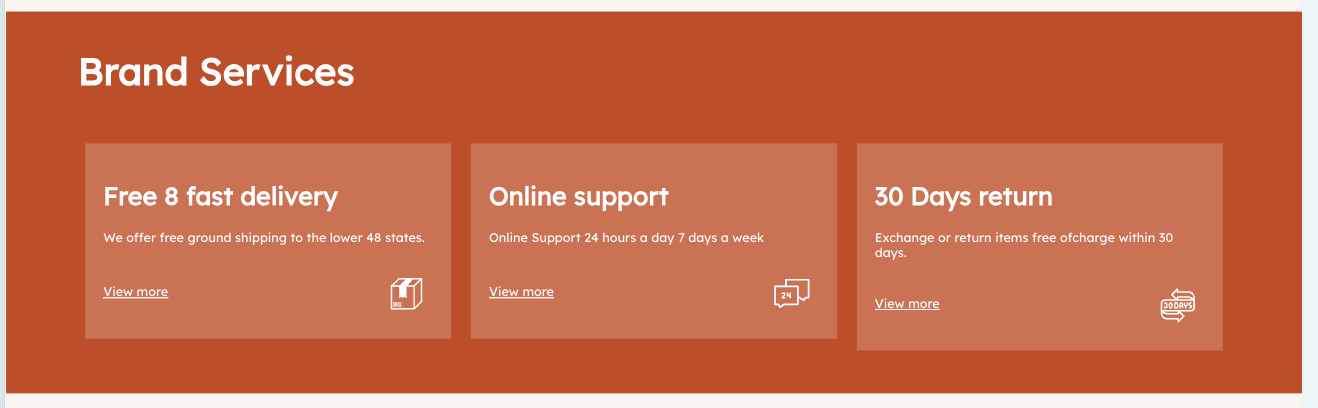
3. Album Details
| Module | Image Display | Recommended Size | Notes |
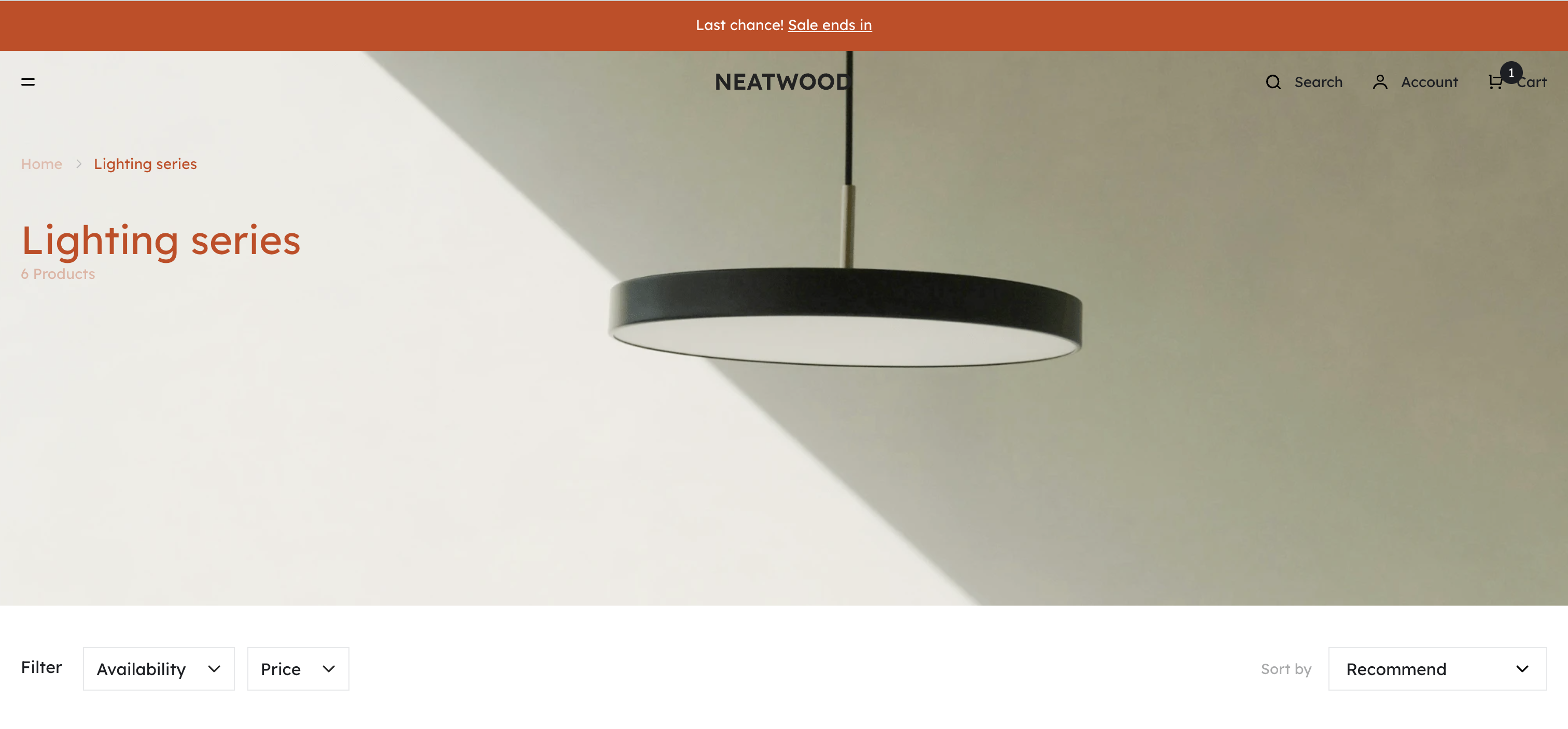
| Album Cover |
| 1440 x 480 px | The same image size can be used for both PC & Mobile. |
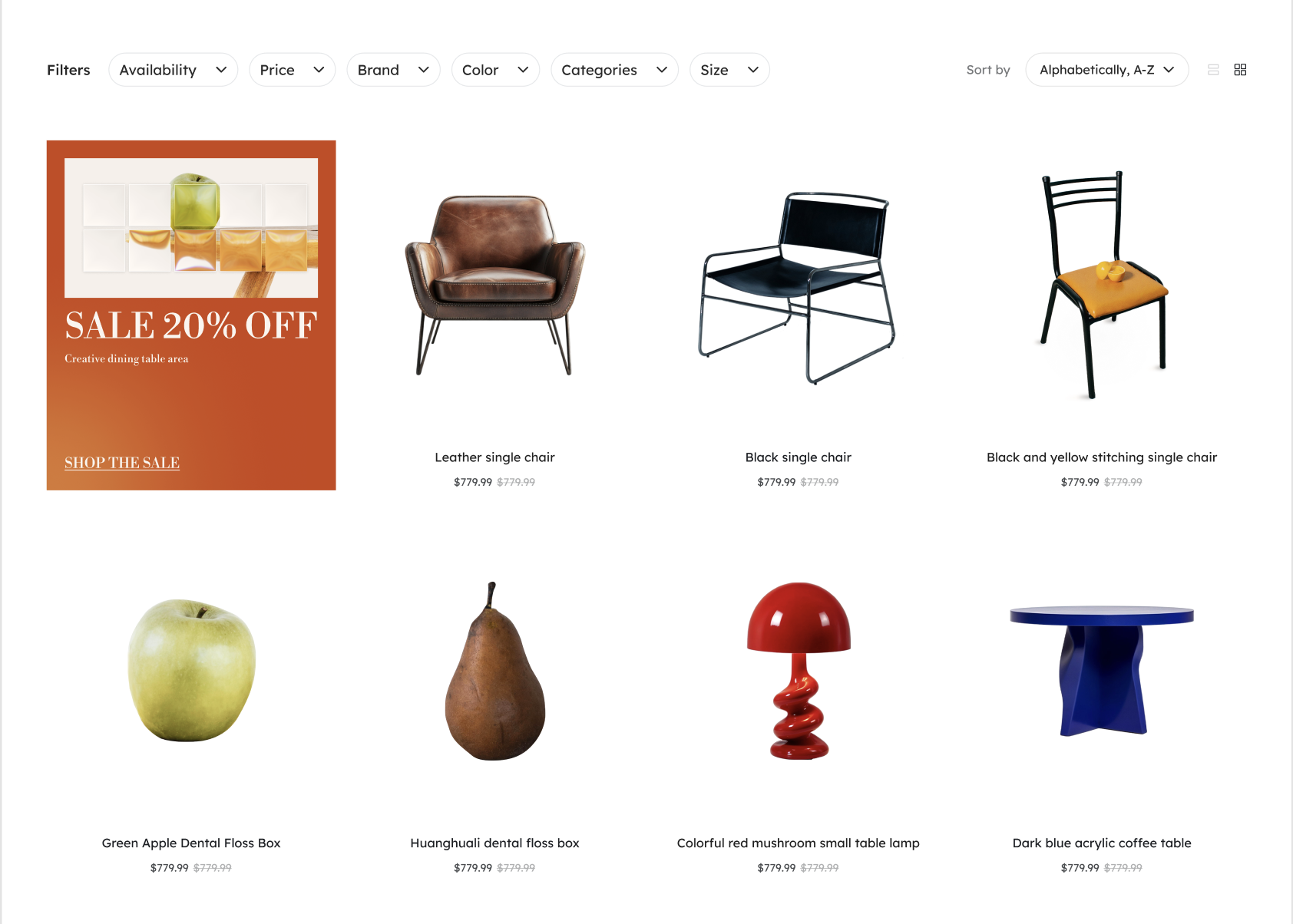
| Featured Recommendations | | 210x266px |
If displaying fewer items in a single row, you can upload images up to a maximum size of 662 × 996 px. |
Advertisement
|
| 323 x 391 px | If displaying fewer items in a single row, you can upload images up to a maximum size of 662 × 996 px. |
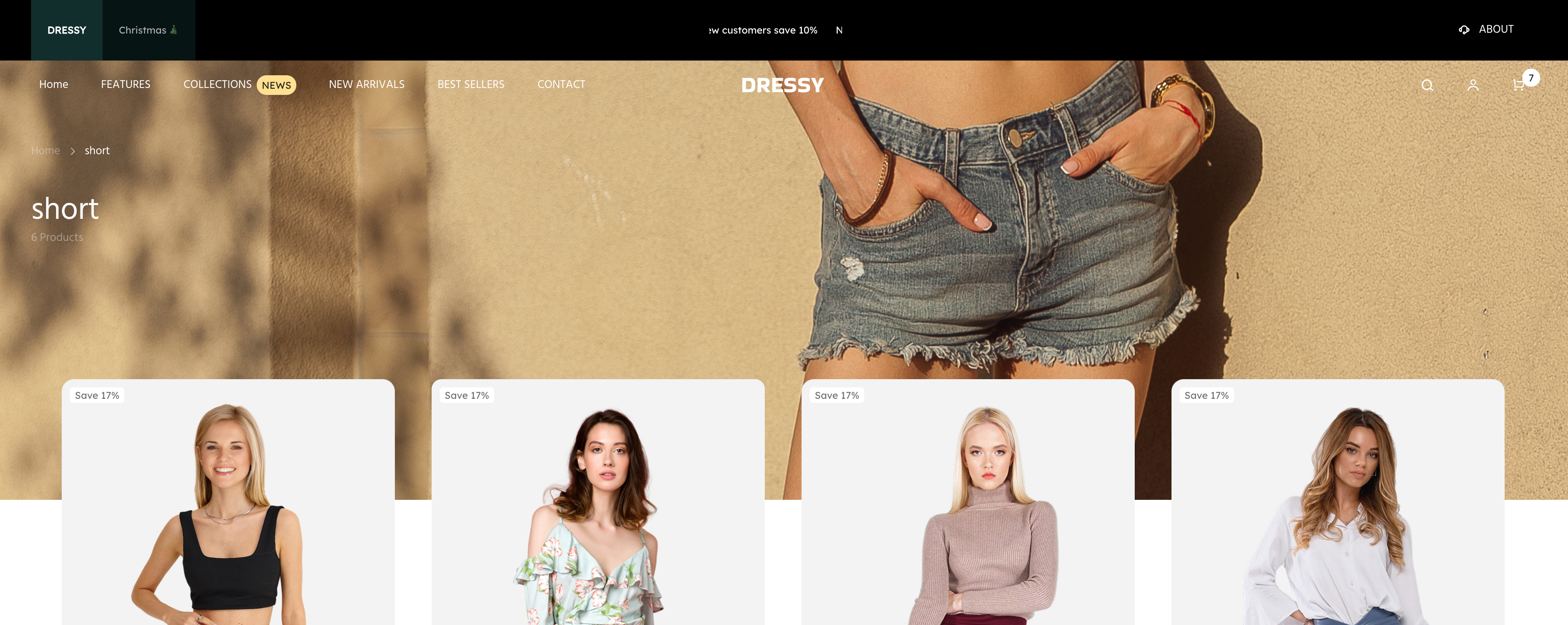
Dressy Theme Style Image Size Recommendations
1. Header
| Module | Image Display | Recommended Size | Notes |
| logo |
|
PC: 23 x 42px M: 91 x 25px
| Supports JPEG/PNG formats; images should be clear and recognizable, and a transparent background is preferred.
|
2. Homepage
| Module | Image Display | Recommended Size | Notes |
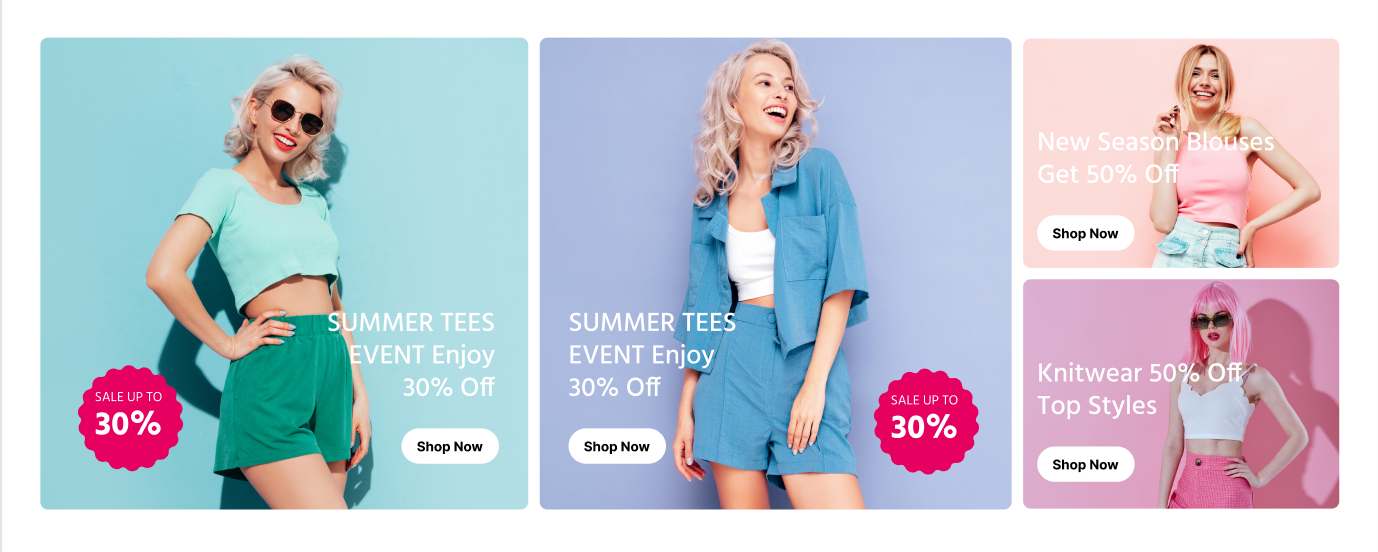
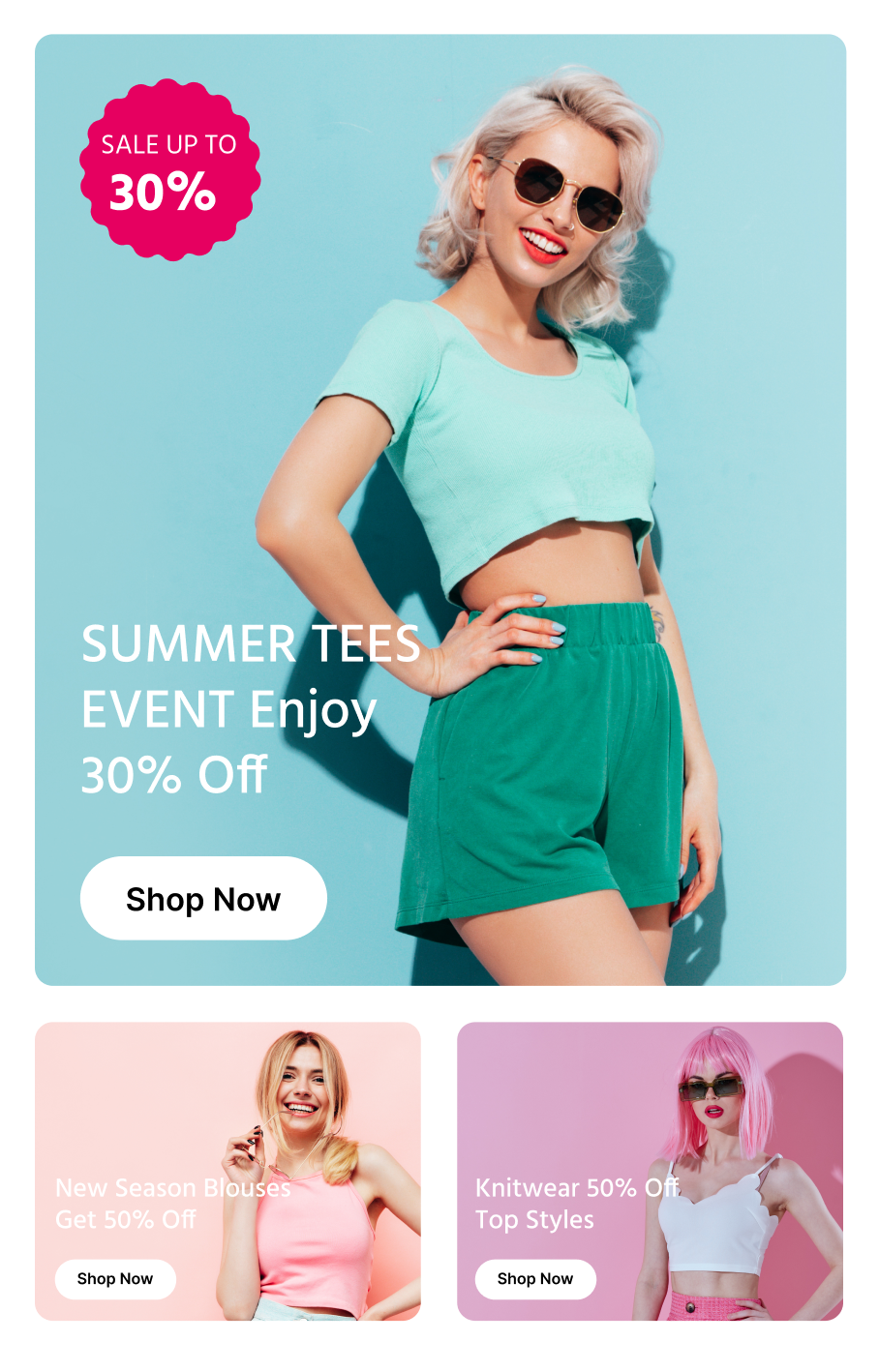
Slideshow / Video
|
| PC: Left 1: 510 × 493 px Left 2: 510 × 493 px Top right: 331 × 240 px Bottom right: 331 × 240 px Mobile: Top 1: 358 × 420 px Left 2: 358 × 420 px Bottom left: 170 × 131 px Bottom right: 170 × 131 px | Special characters or large title fonts can be designed directly on the banner image.
|
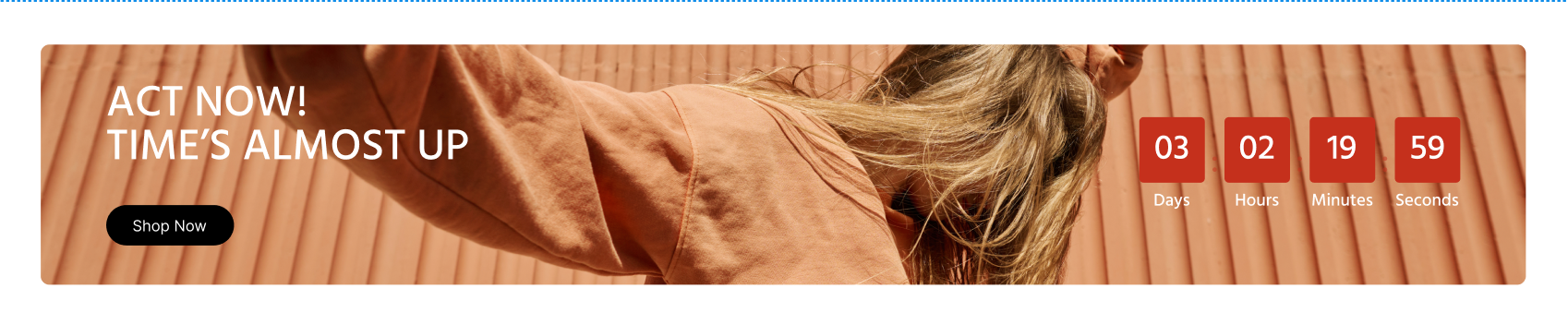
Event Countdown
|
|
PC: 1360 x 220px M: 358 x 280px | |
Featured
|  |
PC: 446 x 220px M: 358 x 170px
| |
| Reviews | 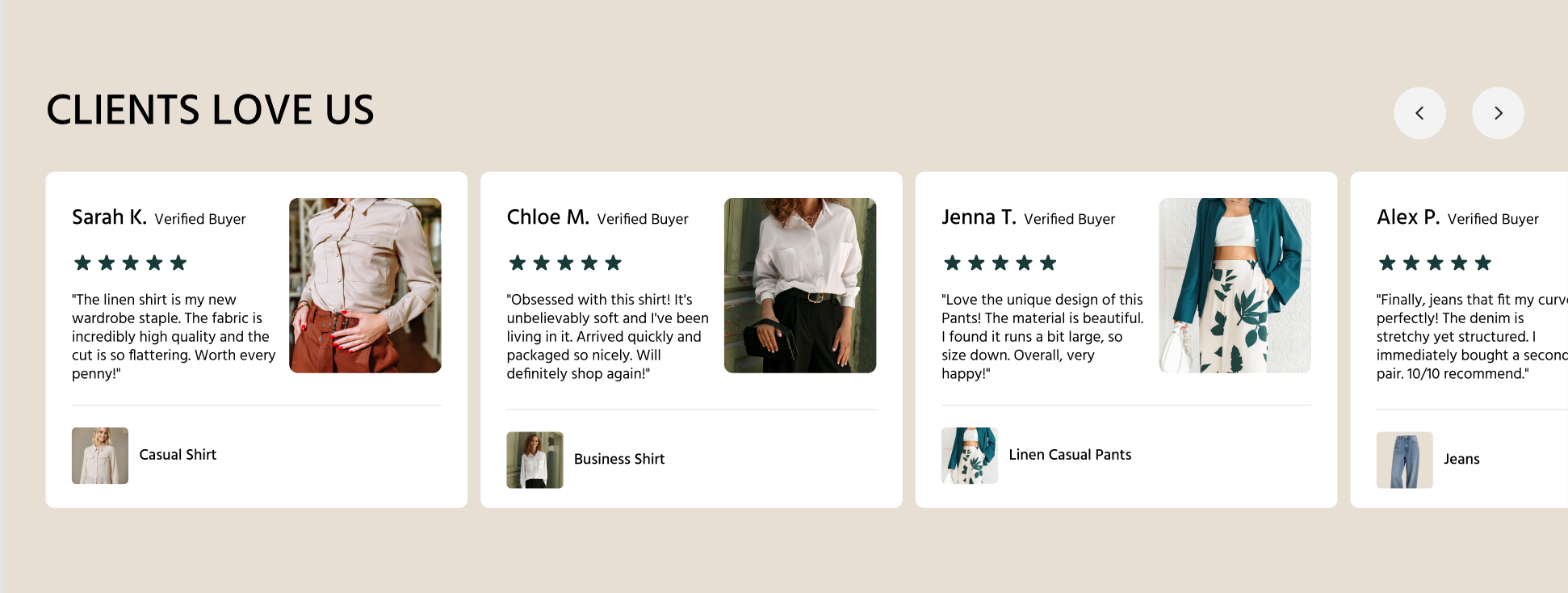 |
PC/M:140 x 161px 头像:52 x 52px
| |
| Set | 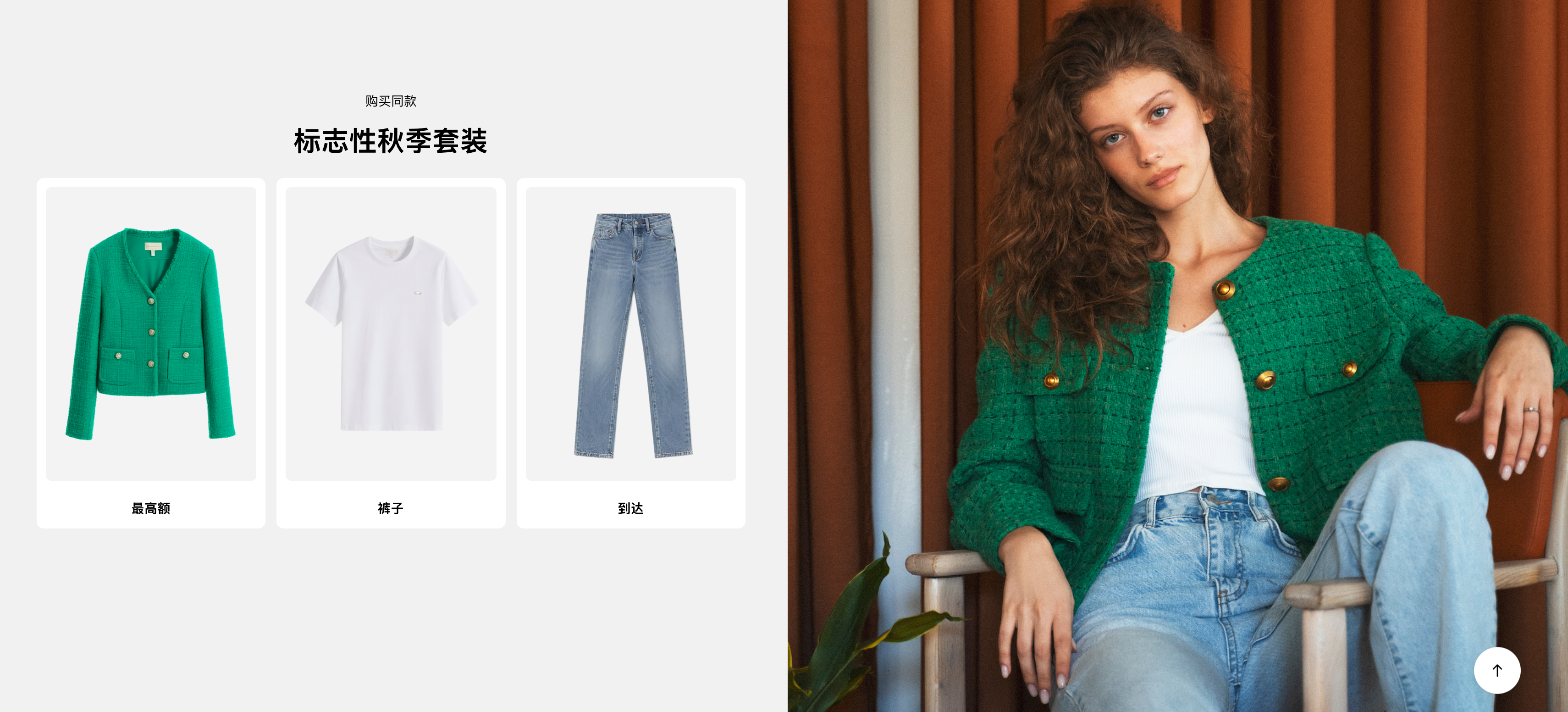 |
PC: 714 x 650px M: 358 x 326px | |
Subscription
|
|
PC/M: 48 x 48px | |
Subscription
| 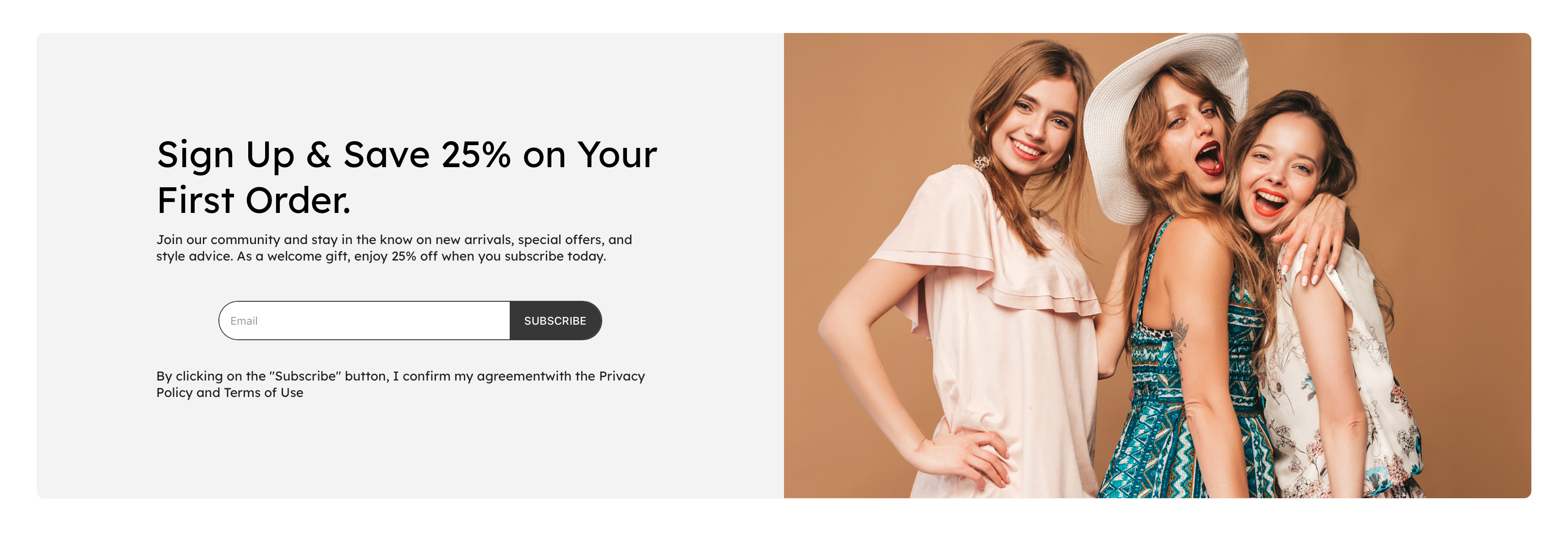 |
PC/M: 674 x 470px | |
ins
| 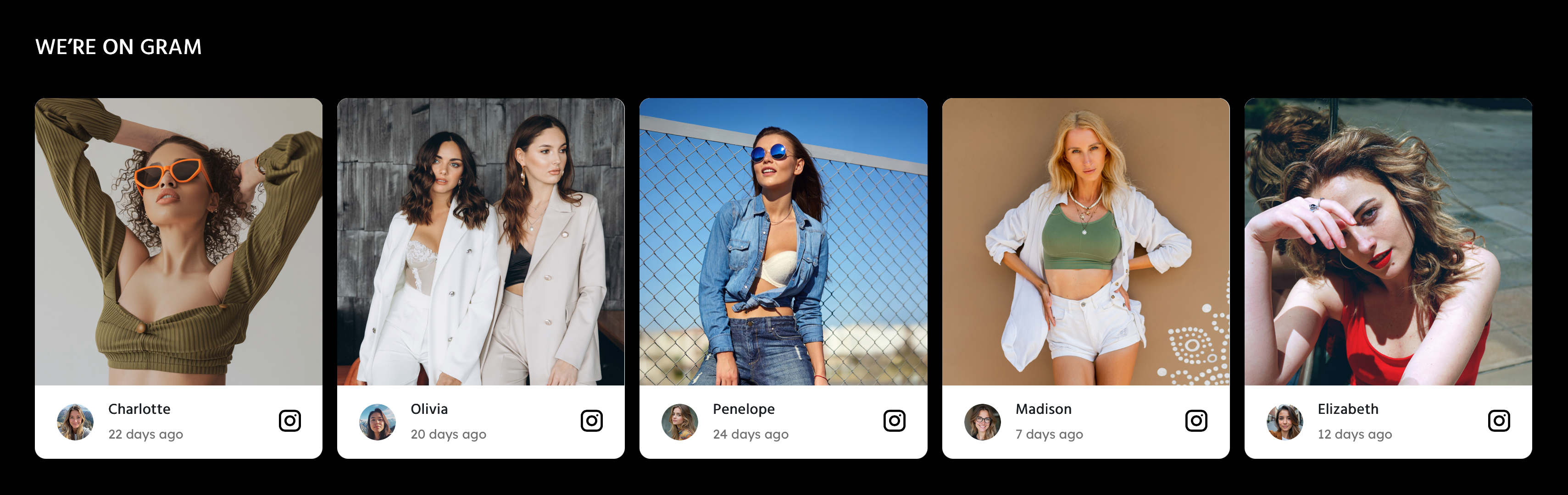 |
PC/M: 331 x 320px |

3. Album Details
| Album Details | Album Cover |
| PC/M: 1440 x 480 px | |
Promotional Banner
|
| 323 x 568 px | Mobile will automatically adapt. If displaying fewer items in a single row, you can upload images up to a maximum size of 662 × 996 px.
|
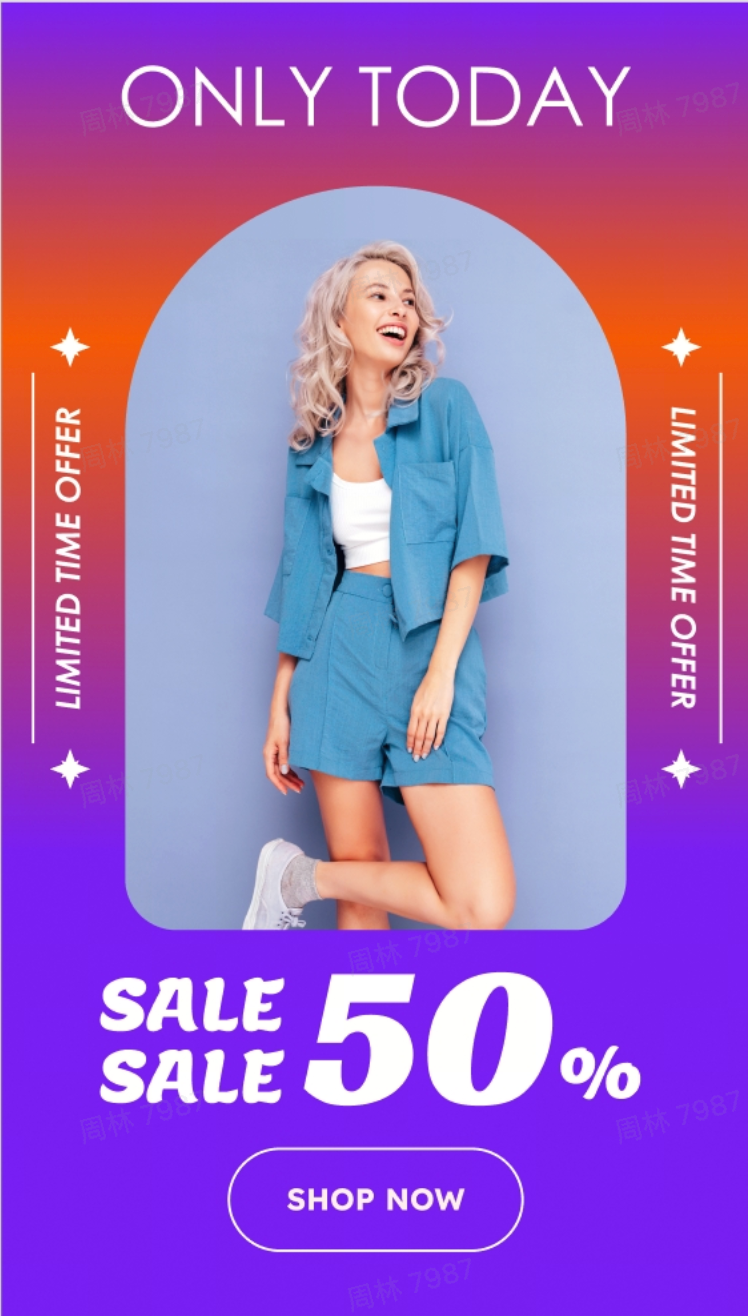
When uploading images to your page, you should select appropriate image content and sizes based on the function and purpose of each section. Properly organizing images can more effectively communicate product highlights and brand messaging, enhance visual appeal, ensure smooth page loading, and improve the browsing experience for buyers, ultimately better supporting conversion and sales goals.


Comments
Please sign in to leave a comment.